
Cross chain swap options for Pangolin to sudoswap

png logo
PNG
AVAXC
sudo logo
SUDO
ETH
Tukar

Volatility and changes

Range24 hours7 days30 days90 days
High24H- SUDO7D- SUDO30D- SUDO90D- SUDO
Low24H- SUDO7D- SUDO30D- SUDO90D- SUDO
Average24H- SUDO7D- SUDO30D- SUDO90D- SUDO

Convert Pangolin to sudoswap

In the table provided above, you'll find a comprehensive PNG to SUDO converter, demonstrating the relationship between the value of Pangolin and sudoswap across various frequently used conversion amounts. The list encompasses conversions from 1 PNG to SUDO all the way up to 1000 PNG, offering a clear insight into their respective values.

Convert sudoswap to Pangolin

In the table provided above, you'll find a comprehensive SUDO to PNG converter, demonstrating the relationship between the value of sudoswap and Pangolin across various frequently used conversion amounts. The list encompasses conversions from 1 SUDO to PNG all the way up to 1000 SUDO, offering a clear insight into their respective values.

Cara mendapatkan SUDO dengan PNG

    Exchange Steps
  1. 1

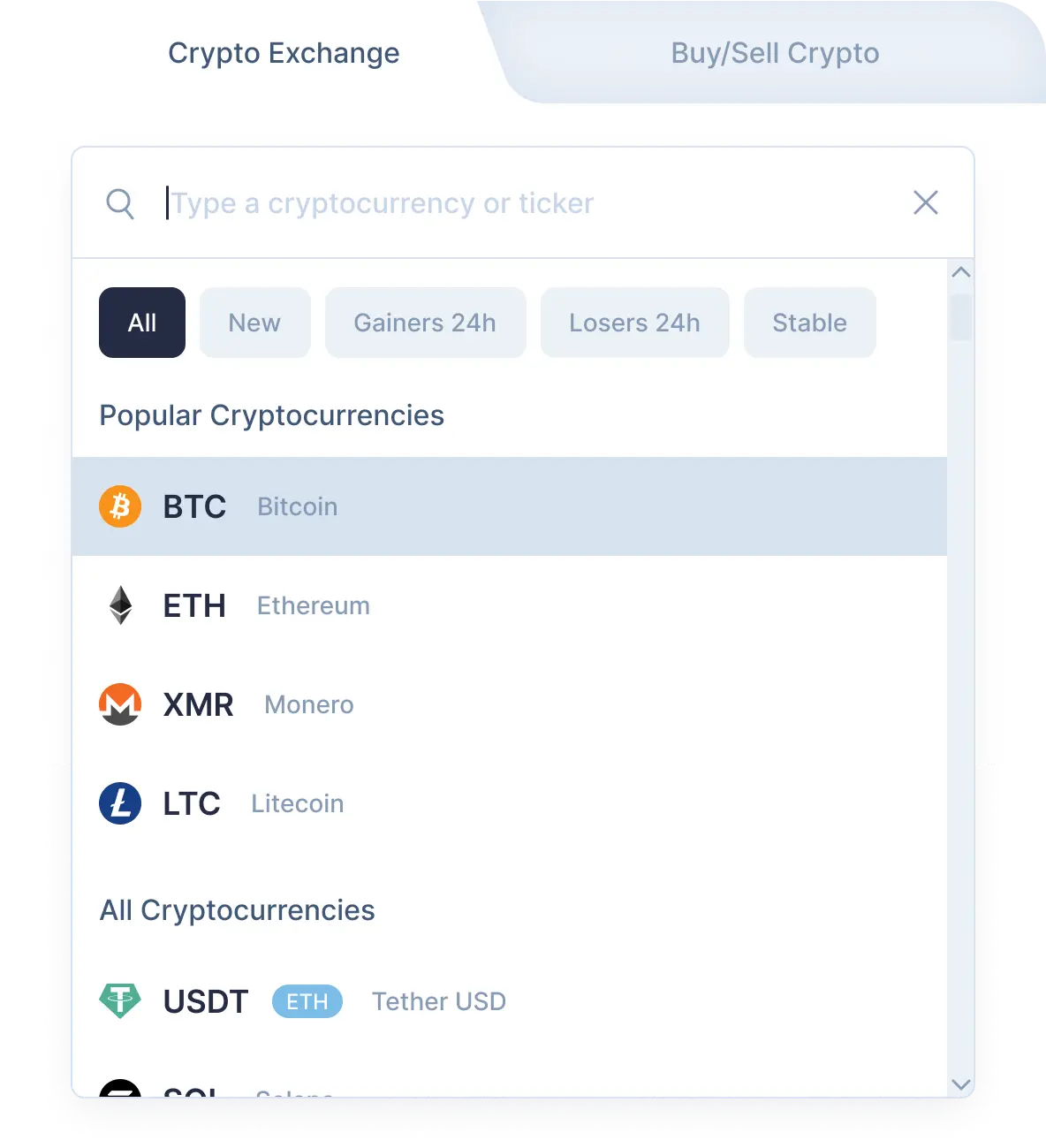
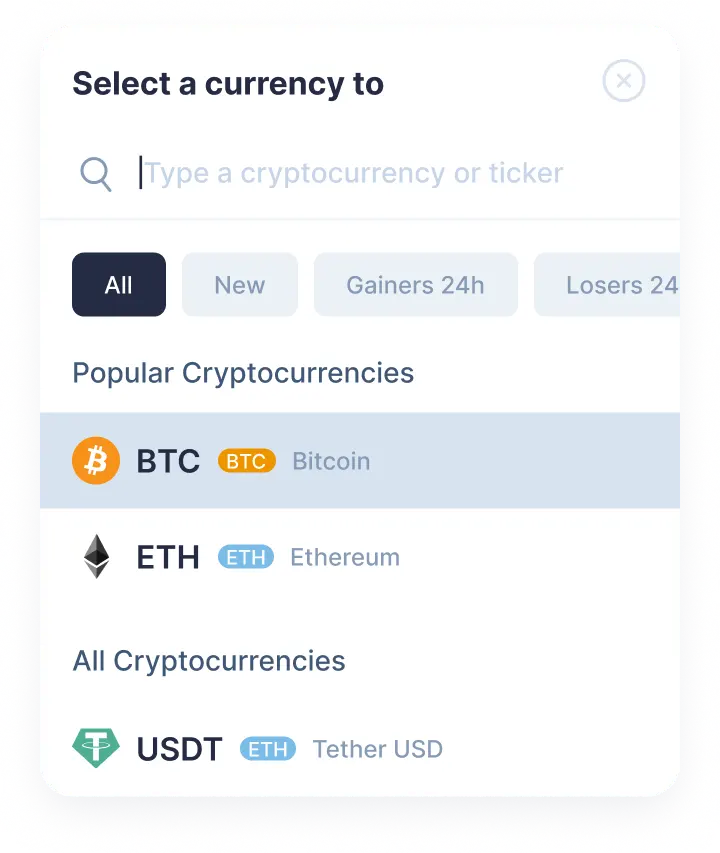
    Pilih pasangan penukaran kripto

    Pilih Pangolin (png) di bagian “Anda mengirim” menggunakan daftar drop-down. Lalu, masukkan nominal png yang ingin Anda tukar. Kemudian pilih sudoswap (sudo) di bagian “Anda menerima”. Setelah itu, Anda akan melihat perkiraan nominal sudo yang akan Anda terima.Harap diingat, ada nominal minimal untuk setiap penukaran. Jangan mengirim nominal yang lebih kecil dari nominal minimal.

    Step 1
    Step 1
  2. 2

    Masukkan alamat penerima

    Sekarang Anda perlu memasukkan alamat sudoswap penerima. Lakukan dengan sangat hati-hati dan periksa kembali alamat sudo Anda. Koin sudoswap Anda akan dikirim ke alamat ini segera setelah penukaran.Sekali lagi, pastikan semua data benar. Setelah semuanya benar, klik tombol Tukar, dan Anda akan dialihkan ke halaman penukaran.

  3. 3

    Kirim dan terima mata uang kripto

    Di halaman penukaran, Anda akan melihat alamat untuk mengirimkan nominal Pangolin yang ditampilkan untuk melanjutkan penukaran png/sudo Anda.Setelah menerima deposit di alamat kami, kami akan mengirimkan sudoswap kepada Anda. Itu saja! Beberapa saat kemudian, koin sudoswap akan tiba di alamat sudo Anda.

  4. 4

    Receive cryptocurrencies

    Once we get your deposit, we will convert it, which might take a while. We will then send the sudoswap to the wallet address you provided for receiving it.

Step 1

Why exchange on SimpleSwap?

  • Privacy

    Sign-up is not required

    SimpleSwap provides cryptocurrency exchange without registration.

    Privacy preview
  • Wide choice

    1000+ cryptocurrencies

    Hundreds of crypto and fiat currencies are available for exchange.

    Wide choice preview
  • 24/7 support

    You won’t be left alone

    Our support team is easy to reach and ready to answer your questions.

    24/7 support preview
  • Safety

    Non-custodial

    Crypto is sent directly to your wallet, we don’t store it on our service.

    Safety preview

Our Users' Reviews

Other Options to Swap sudoswap

Explore many other swap options that will allow you to acquire sudoswap (SUDO)

Exchange your Pangolin for other cryptocurrecies

Exchange PNG for
Pair
Last price
Change 24h
Status
No results
Watch a tutorial

How to Exchange Crypto

Would you like to know how to swap crypto and exchange PNG to SUDO on our service? Our detailed video sheds some light on the process.

Subscribe Background

Beli SUDO dengan PNG tanpa repot!

Konverter kami yang simpel memudahkan Anda untuk mendapatkan sudoswap dengan Pangolin, dengan harga yang pantas dan tanpa perlu mendaftar.

Tukar
Penukaran PNG ke SUDO | Konversi Pangolin ke sudoswap di SimpleSwap