


Cross chain swap options for TRON to Sidekick

trx logo
TRX
TRX
k logo
K
SOL
Tukar
trx logo
TRX
TRX
k logo
K
BSC
Tukar
trx logo
TRX
TRX
k logo
K
ETH
Tukar
trx logo
TRX
BSC
k logo
K
SOL
Tukar

Volatility and changes

Range24 hours7 days30 days90 days
High24H4089.1485 KETH7D4931.1694 KETH30D5698.6823 KETH90D7365.7428 KETH
Low24H4021.7335 KETH7D4013.7907 KETH30D1451.6918 KETH90D1264.1553 KETH
Average24H4044.195 KETH7D4448.292 KETH30D4479.654 KETH90D4339.5055 KETH
Change24H-0.56%7D-10.61%30D-23.33%90D19.98%

Convert TRON to Sidekick

TRX logo
TRX
K logo
K
1 TRX
4042.131358 K
Exchange1 trx to 4042.13 k
5 TRX
20210.656788 K
Exchange5 trx to 20210.66 k
10 TRX
40421.313576 K
Exchange10 trx to 40421.31 k
25 TRX
101053.28394 K
Exchange25 trx to 101053.28 k
50 TRX
202106.56788 K
Exchange50 trx to 202106.57 k
100 TRX
404213.135761 K
Exchange100 trx to 404213.14 k
500 TRX
2021065.678805 K
Exchange500 trx to 2021065.68 k
1000 TRX
4042131.357609 K
Exchange1000 trx to 4042131.36 k

In the table provided above, you'll find a comprehensive TRX to K converter, demonstrating the relationship between the value of TRON and Sidekick across various frequently used conversion amounts. The list encompasses conversions from 1 TRX to K all the way up to 1000 TRX, offering a clear insight into their respective values.

Convert Sidekick to TRON

K logo
K
TRX logo
TRX
1 K
0.000247 TRX
Exchange1 k to 0 trx
5 K
0.001237 TRX
Exchange5 k to 0 trx
10 K
0.002474 TRX
Exchange10 k to 0 trx
25 K
0.006185 TRX
Exchange25 k to 0.01 trx
100 K
0.024739 TRX
Exchange100 k to 0.02 trx
500 K
0.123697 TRX
Exchange500 k to 0.12 trx
1000 K
0.247394 TRX
Exchange1000 k to 0.25 trx

In the table provided above, you'll find a comprehensive K to TRX converter, demonstrating the relationship between the value of Sidekick and TRON across various frequently used conversion amounts. The list encompasses conversions from 1 K to TRX all the way up to 1000 K, offering a clear insight into their respective values.

Cara mendapatkan K dengan TRX

    Exchange Steps
  1. 1

    Pilih pasangan penukaran kripto

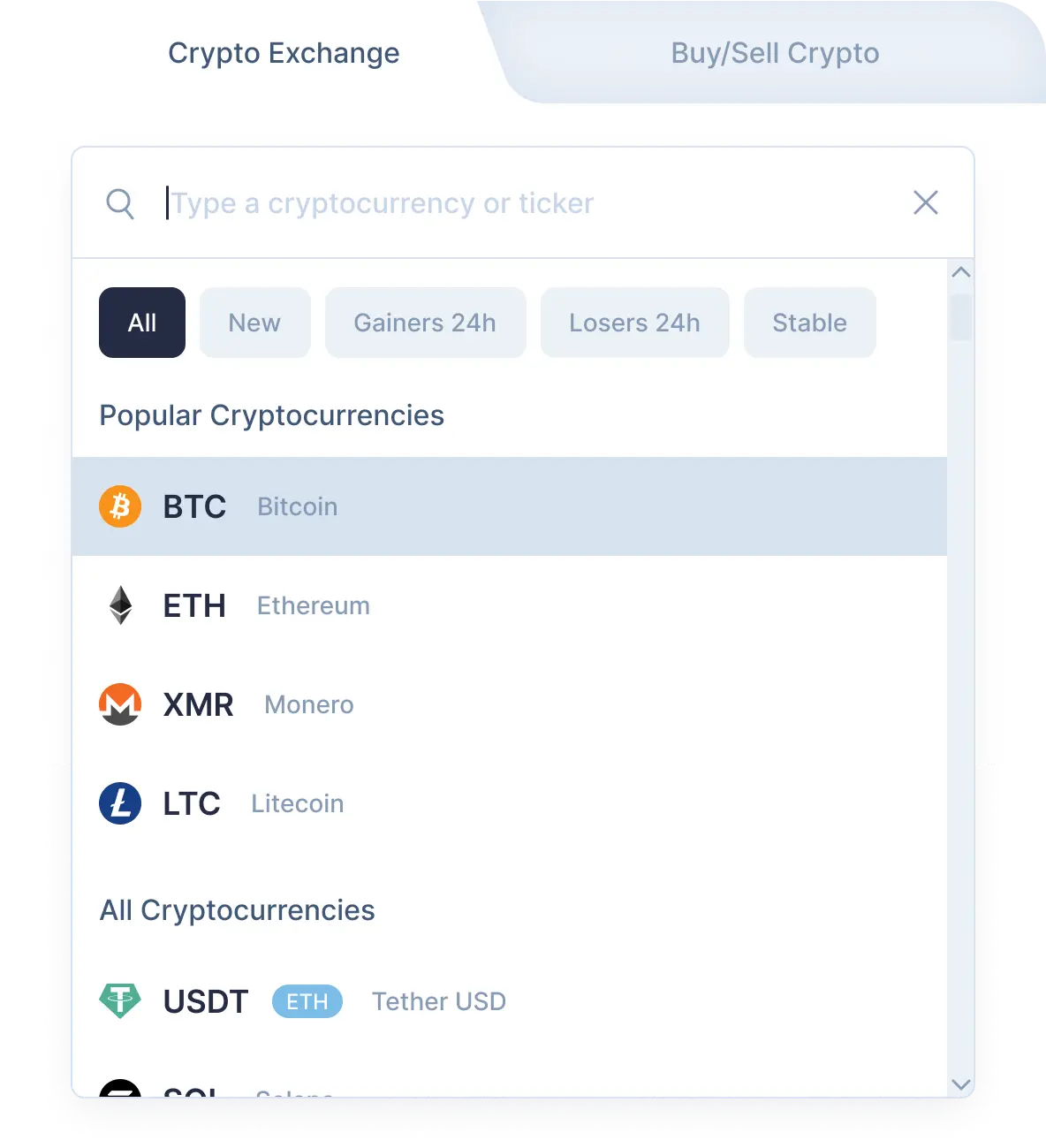
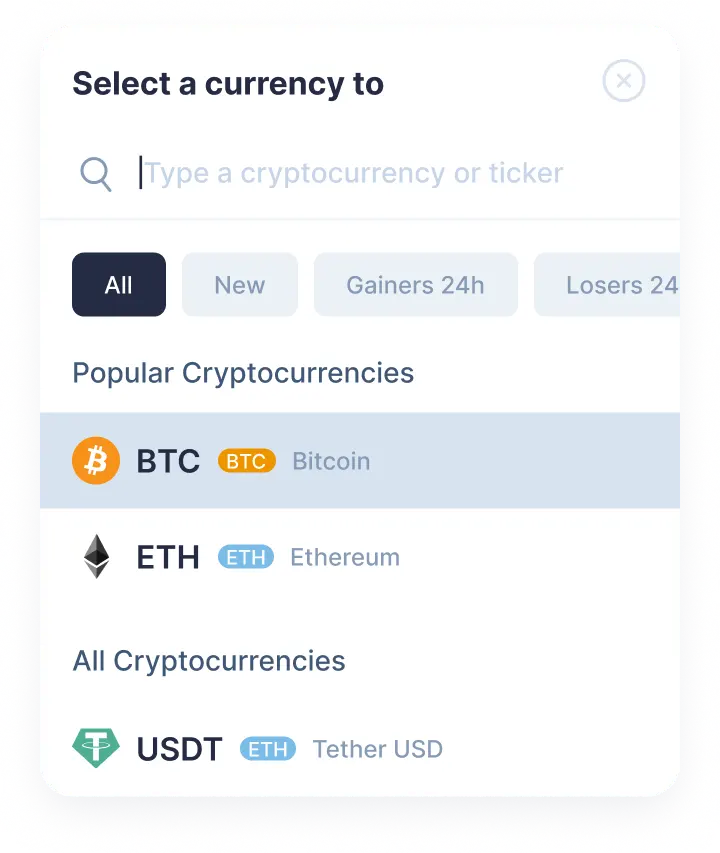
    Pilih TRON (trx) di bagian “Anda mengirim” menggunakan daftar drop-down. Lalu, masukkan nominal trx yang ingin Anda tukar. Kemudian pilih Sidekick (k) di bagian “Anda menerima”. Setelah itu, Anda akan melihat perkiraan nominal k yang akan Anda terima.Harap diingat, ada nominal minimal untuk setiap penukaran. Jangan mengirim nominal yang lebih kecil dari nominal minimal.

    Step 1
    Step 1
  2. 2

    Masukkan alamat penerima

    Sekarang Anda perlu memasukkan alamat Sidekick penerima. Lakukan dengan sangat hati-hati dan periksa kembali alamat k Anda. Koin Sidekick Anda akan dikirim ke alamat ini segera setelah penukaran.Sekali lagi, pastikan semua data benar. Setelah semuanya benar, klik tombol Tukar, dan Anda akan dialihkan ke halaman penukaran.

  3. 3

    Kirim dan terima mata uang kripto

    Di halaman penukaran, Anda akan melihat alamat untuk mengirimkan nominal TRON yang ditampilkan untuk melanjutkan penukaran trx/k Anda.Setelah menerima deposit di alamat kami, kami akan mengirimkan Sidekick kepada Anda. Itu saja! Beberapa saat kemudian, koin Sidekick akan tiba di alamat k Anda.

  4. 4

    Receive cryptocurrencies

    Once we get your deposit, we will convert it, which might take a while. We will then send the Sidekick to the wallet address you provided for receiving it.

Step 1

Why exchange on SimpleSwap?

  • Privacy

    Sign-up is not required

    SimpleSwap provides cryptocurrency exchange without registration.

    Privacy preview
  • Wide choice

    1000+ cryptocurrencies

    Hundreds of crypto and fiat currencies are available for exchange.

    Wide choice preview
  • 24/7 support

    You won’t be left alone

    Our support team is easy to reach and ready to answer your questions.

    24/7 support preview
  • Safety

    Non-custodial

    Crypto is sent directly to your wallet, we don’t store it on our service.

    Safety preview

Our Users' Reviews

Watch a tutorial

Crypto Exchange Video Guide

If you have any questions about the TRX to K exchange, this tutorial may help you. Use our instructions and recommendations from this video.