


Cross chain swap options for TRON to Stader

trx logo
TRX
BSC
sd logo
SD
ETH
Tukar
trx logo
TRX
TRX
sd logo
SD
ETH
Tukar

Volatility and changes

Range24 hours7 days30 days90 days
High24H2.7814 SD7D- SD30D- SD90D- SD
Low24H2.4677 SD7D- SD30D- SD90D- SD
Average24H2.7002 SD7D- SD30D- SD90D- SD
Change24H-2.61%7D-13.31%30D-12.03%90D2.45%

Convert TRON to Stader

TRX logo
TRX
SD logo
SD
1 TRX
2.710397 SD
Exchange1 trx to 2.71 sd
5 TRX
13.551984 SD
Exchange5 trx to 13.55 sd
10 TRX
27.103969 SD
Exchange10 trx to 27.1 sd
25 TRX
67.759922 SD
Exchange25 trx to 67.76 sd
50 TRX
135.519845 SD
Exchange50 trx to 135.52 sd
100 TRX
271.039689 SD
Exchange100 trx to 271.04 sd
500 TRX
1355.198446 SD
Exchange500 trx to 1355.2 sd
1000 TRX
2710.396892 SD
Exchange1000 trx to 2710.4 sd

In the table provided above, you'll find a comprehensive TRX to SD converter, demonstrating the relationship between the value of TRON and Stader across various frequently used conversion amounts. The list encompasses conversions from 1 TRX to SD all the way up to 1000 TRX, offering a clear insight into their respective values.

Convert Stader to TRON

SD logo
SD
TRX logo
TRX
5 SD
1.844748 TRX
Exchange5 sd to 1.84 trx
10 SD
3.689497 TRX
Exchange10 sd to 3.69 trx
25 SD
9.223741 TRX
Exchange25 sd to 9.22 trx
50 SD
18.447483 TRX
Exchange50 sd to 18.45 trx
100 SD
36.894966 TRX
Exchange100 sd to 36.89 trx
500 SD
184.474828 TRX
Exchange500 sd to 184.47 trx
1000 SD
368.949656 TRX
Exchange1000 sd to 368.95 trx

In the table provided above, you'll find a comprehensive SD to TRX converter, demonstrating the relationship between the value of Stader and TRON across various frequently used conversion amounts. The list encompasses conversions from 1 SD to TRX all the way up to 1000 SD, offering a clear insight into their respective values.

Cara mendapatkan SD dengan TRX

    Exchange Steps
  1. 1

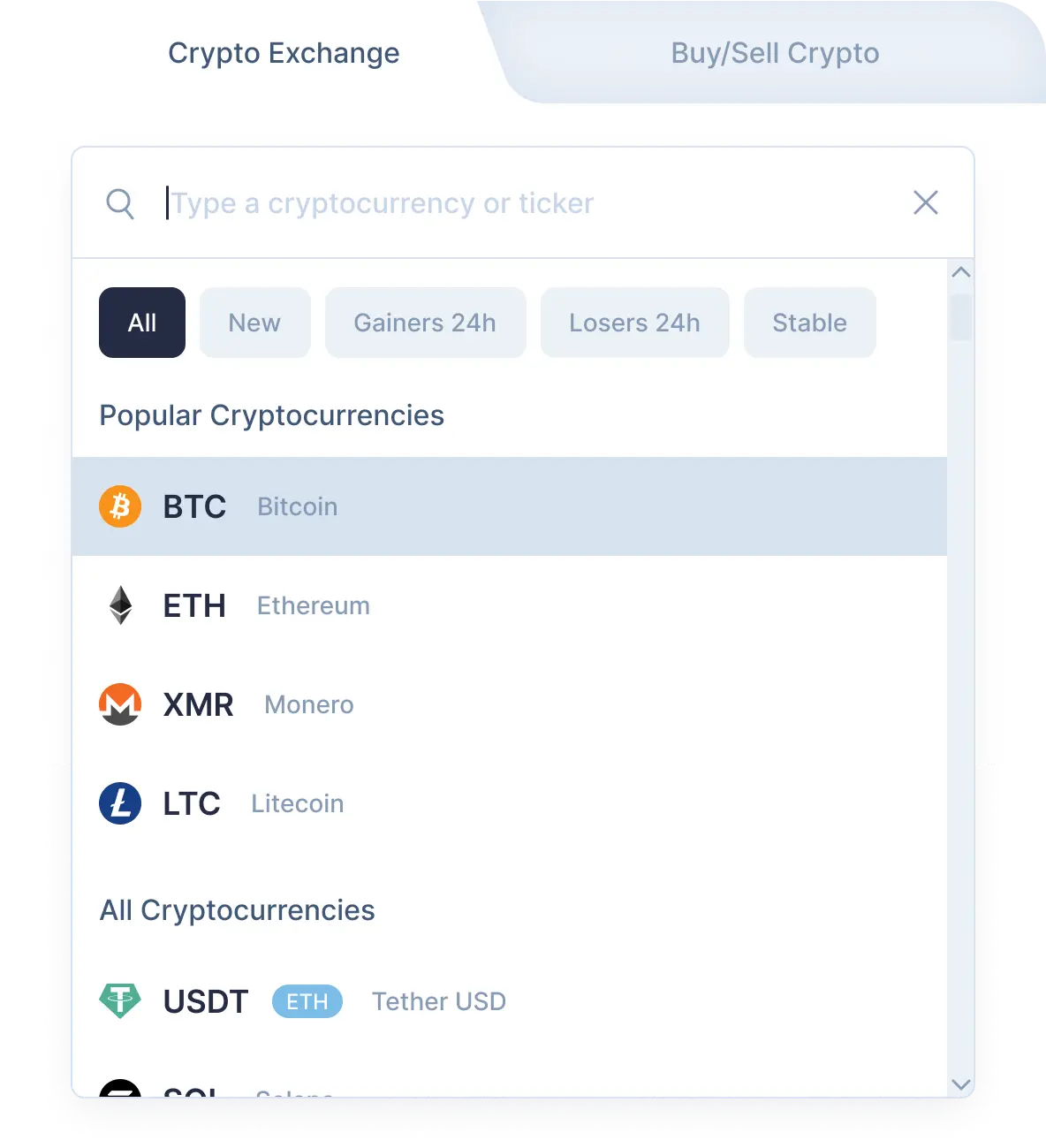
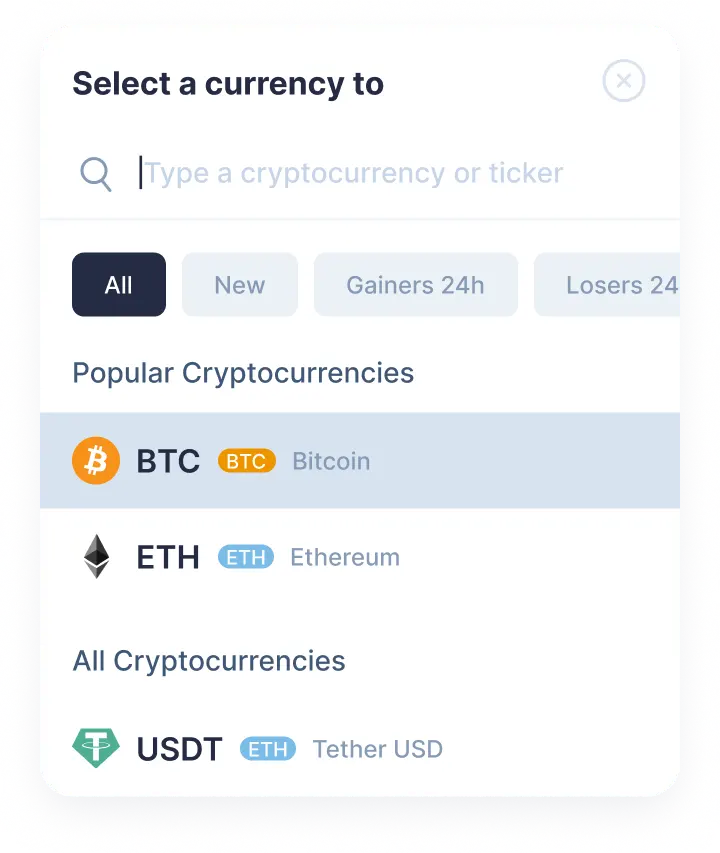
    Pilih pasangan penukaran kripto

    Pilih TRON (trx) di bagian “Anda mengirim” menggunakan daftar drop-down. Lalu, masukkan nominal trx yang ingin Anda tukar. Kemudian pilih Stader (sd) di bagian “Anda menerima”. Setelah itu, Anda akan melihat perkiraan nominal sd yang akan Anda terima.Harap diingat, ada nominal minimal untuk setiap penukaran. Jangan mengirim nominal yang lebih kecil dari nominal minimal.

    Step 1
    Step 1
  2. 2

    Masukkan alamat penerima

    Sekarang Anda perlu memasukkan alamat Stader penerima. Lakukan dengan sangat hati-hati dan periksa kembali alamat sd Anda. Koin Stader Anda akan dikirim ke alamat ini segera setelah penukaran.Sekali lagi, pastikan semua data benar. Setelah semuanya benar, klik tombol Tukar, dan Anda akan dialihkan ke halaman penukaran.

  3. 3

    Kirim dan terima mata uang kripto

    Di halaman penukaran, Anda akan melihat alamat untuk mengirimkan nominal TRON yang ditampilkan untuk melanjutkan penukaran trx/sd Anda.Setelah menerima deposit di alamat kami, kami akan mengirimkan Stader kepada Anda. Itu saja! Beberapa saat kemudian, koin Stader akan tiba di alamat sd Anda.

  4. 4

    Receive cryptocurrencies

    Once we get your deposit, we will convert it, which might take a while. We will then send the Stader to the wallet address you provided for receiving it.

Step 1

Why exchange on SimpleSwap?

  • Privacy

    Sign-up is not required

    SimpleSwap provides cryptocurrency exchange without registration.

    Privacy preview
  • Wide choice

    1000+ cryptocurrencies

    Hundreds of crypto and fiat currencies are available for exchange.

    Wide choice preview
  • 24/7 support

    You won’t be left alone

    Our support team is easy to reach and ready to answer your questions.

    24/7 support preview
  • Safety

    Non-custodial

    Crypto is sent directly to your wallet, we don’t store it on our service.

    Safety preview

Our Users' Reviews

Other Options to Swap Stader

Explore many other swap options that will allow you to acquire Stader (SD)

Watch a tutorial

Crypto Exchange Video Guide

You are welcome to learn more about every step of the TRX to SD exchange on SimpleSwap. Our tips are waiting for you in this video.