
Cross chain swap options for 3 Kingdoms Multiverse to Work X

3km logo
3KM
KLAY
work logo
WORK
BSC
兑换

Volatility and changes

Range24 hours7 days30 days90 days
High24H- WORK7D- WORK30D- WORK90D- WORK
Low24H- WORK7D- WORK30D- WORK90D- WORK
Average24H- WORK7D- WORK30D- WORK90D- WORK

怎样使用 WORK 获取 3KM

    Exchange Steps
  1. 1

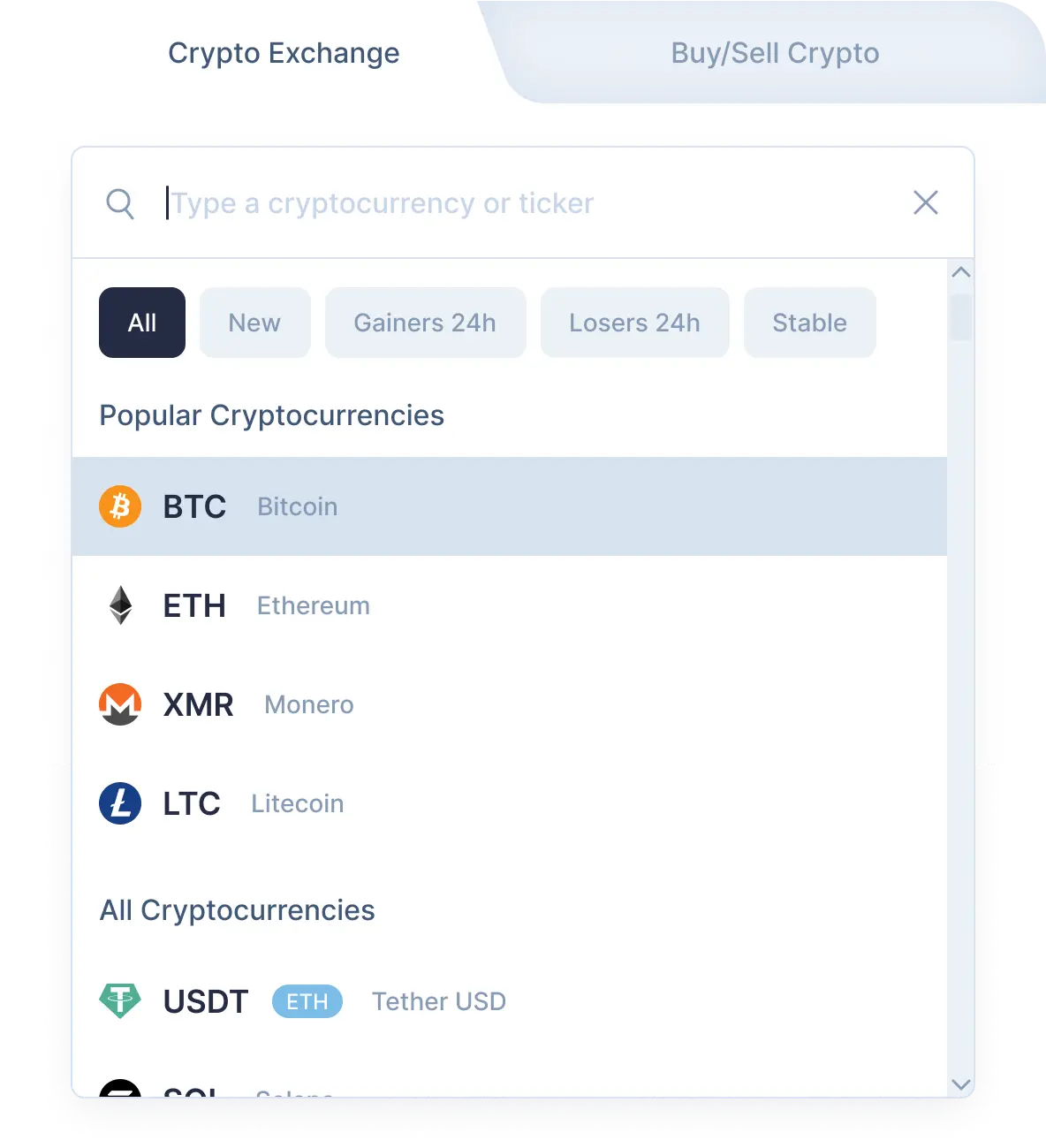
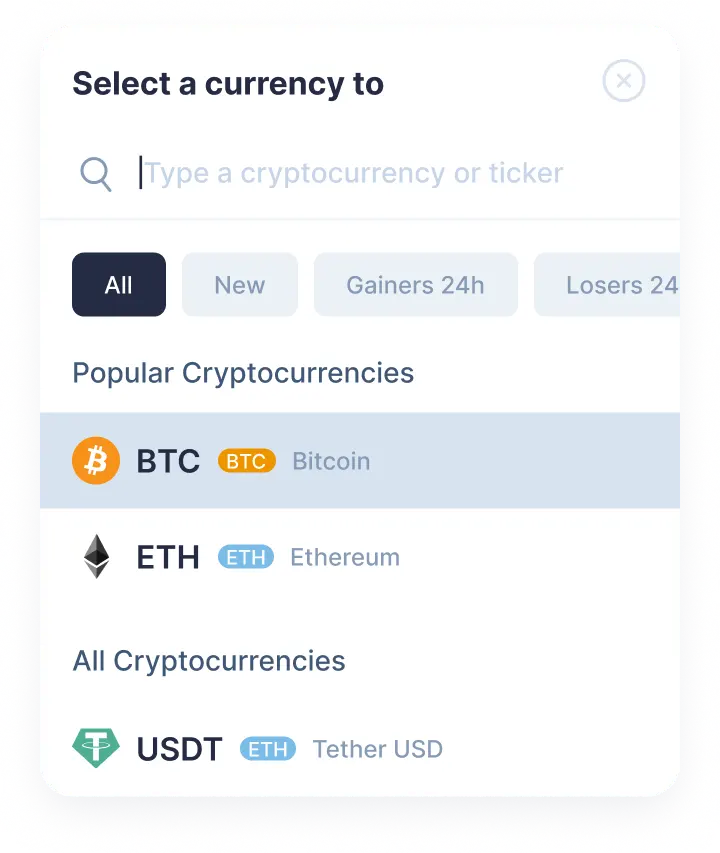
    选择加密货币兑换对

    使用下拉列表在"您发送"部分中选择3 Kingdoms Multiverse (3km)。 接下来,输入您想要兑换的 3km 金额。 然后在"您得到"部分选择Work X (work)。 之后,您将看到您将收到的预计金额 work。请注意,每次交易都有最低金额。 不要发起少于最低金额的数目。

    Step 1
    Step 1
  2. 2

    输入接收方地址

    现在您需要输入接收方的 Work X 地址。 请非常小心并仔细检查您的 work 地址。 您的 Work X 货币将在兑换后立即发送到此地址。再次确保所有数据均正确。如果一切正确,点击兑换按钮,然后您将进入兑换页面。

  3. 3

    发送和接收加密货币

    在兑换页面上,您将看到用于发送指定数量的 3 Kingdoms Multiverse 的地址,以继续您的 3km/work 兑换。 我们收到您存入我们地址的货币后,我们将向您发送Work X。 就是这样! 稍后,Work X 货币将到达您的 work 地址。

  4. 4

    Receive cryptocurrencies

    Once we get your deposit, we will convert it, which might take a while. We will then send the Work X to the wallet address you provided for receiving it.

Step 1

Why exchange on SimpleSwap?

  • Privacy

    Sign-up is not required

    SimpleSwap provides cryptocurrency exchange without registration.

    Privacy preview
  • Wide choice

    1000+ cryptocurrencies

    Hundreds of crypto and fiat currencies are available for exchange.

    Wide choice preview
  • 24/7 support

    You won’t be left alone

    Our support team is easy to reach and ready to answer your questions.

    24/7 support preview
  • Safety

    Non-custodial

    Crypto is sent directly to your wallet, we don’t store it on our service.

    Safety preview

Our Users' Reviews

Other Options to Swap Work X

Explore many other swap options that will allow you to acquire Work X (WORK)

Exchange your 3 Kingdoms Multiverse for other cryptocurrecies

Exchange 3KM for
Pair
Last price
Change 24h
Status
No results
Watch a tutorial

How to Exchange Crypto

We’ve prepared this tutorial to show you how to exchange 3KM to WORK on SimpleSwap. Our tips are waiting for you in this video.