

Cross chain swap options for Defi App to Serum

home logo
HOME
BASE
srm logo
SRM
ETH
Exchange
home logo
HOME
ARBITRUM
srm logo
SRM
ETH
Exchange
home logo
HOME
ARBITRUM
srm logo
SRM
SOL
Exchange
home logo
HOME
SOL
srm logo
SRM
ETH
Exchange
home logo
HOME
BSC
srm logo
SRM
ETH
Exchange

Volatility and changes

Range24 hours7 days30 days90 days
High24H5.2433 SRM7D- SRM30D- SRM90D- SRM
Low24H0.4571 SRM7D- SRM30D- SRM90D- SRM
Average24H2.9869 SRM7D- SRM30D- SRM90D- SRM
Change24H29.3%7D-15.5%30D78.31%90D50.3%

Convert Defi App to Serum

HOME logo
HOME
SRM logo
SRM
1 HOME
4.050616 SRM
Exchange1 HOME to 4.05 SRM
5 HOME
20.253082 SRM
Exchange5 HOME to 20.25 SRM
10 HOME
40.506164 SRM
Exchange10 HOME to 40.51 SRM
25 HOME
101.265411 SRM
Exchange25 HOME to 101.27 SRM
50 HOME
202.530822 SRM
Exchange50 HOME to 202.53 SRM
100 HOME
405.061644 SRM
Exchange100 HOME to 405.06 SRM
500 HOME
2025.308218 SRM
Exchange500 HOME to 2025.31 SRM
1000 HOME
4050.616436 SRM
Exchange1000 HOME to 4050.62 SRM

In the table provided above, you'll find a comprehensive HOME to SRM converter, demonstrating the relationship between the value of Defi App and Serum across various frequently used conversion amounts. The list encompasses conversions from 1 HOME to SRM all the way up to 1000 HOME, offering a clear insight into their respective values.

Convert Serum to Defi App

SRM logo
SRM
HOME logo
HOME
1 SRM
0.246876 HOME
Exchange1 SRM to 0.25 HOME
10 SRM
2.46876 HOME
Exchange10 SRM to 2.47 HOME
500 SRM
123.438002 HOME
Exchange500 SRM to 123.44 HOME
1000 SRM
246.876004 HOME
Exchange1000 SRM to 246.88 HOME

In the table provided above, you'll find a comprehensive SRM to HOME converter, demonstrating the relationship between the value of Serum and Defi App across various frequently used conversion amounts. The list encompasses conversions from 1 SRM to HOME all the way up to 1000 SRM, offering a clear insight into their respective values.

How to swap HOME to SRM

    Exchange Steps
  1. 1

    Choose the crypto exchange pair

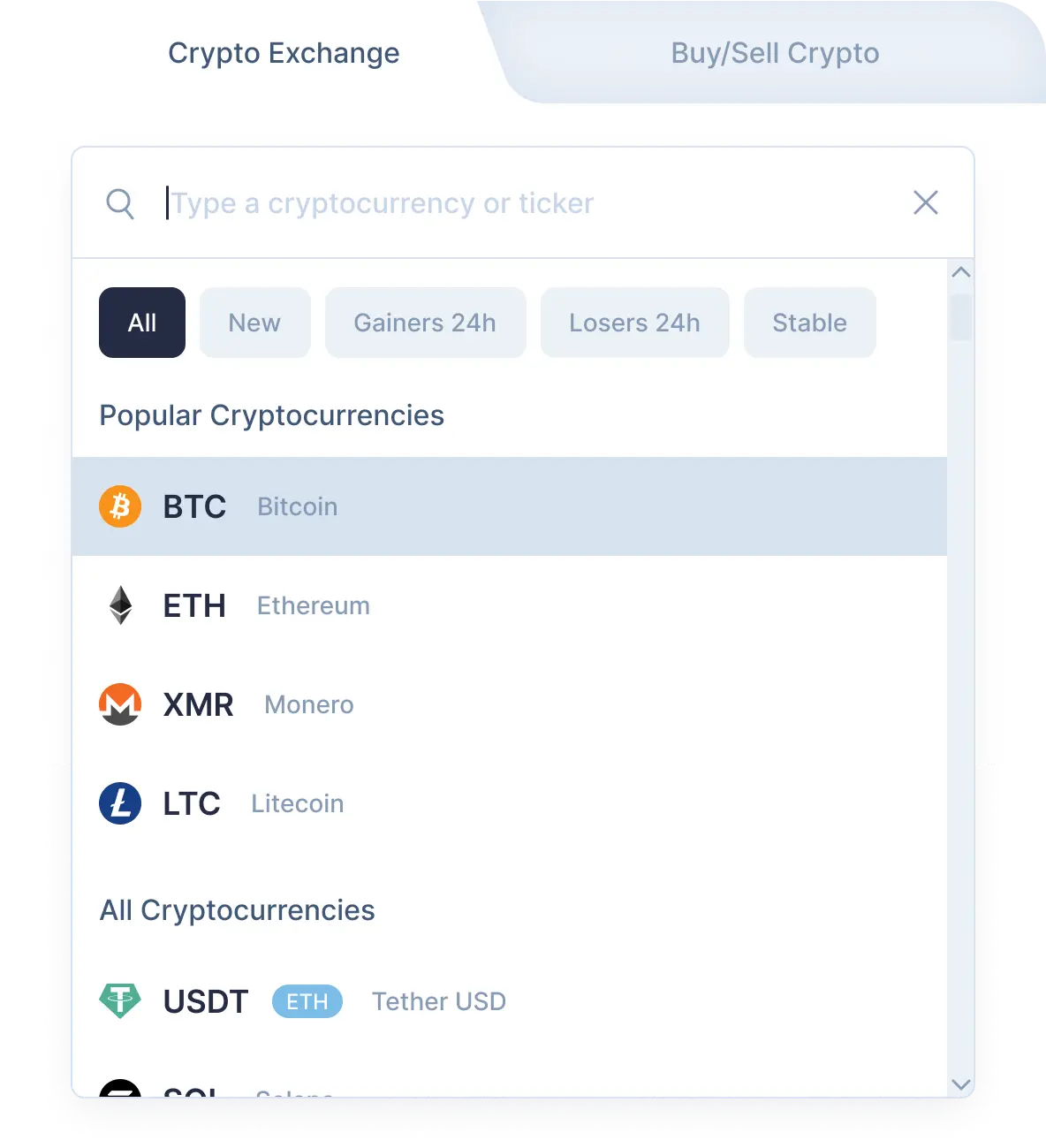
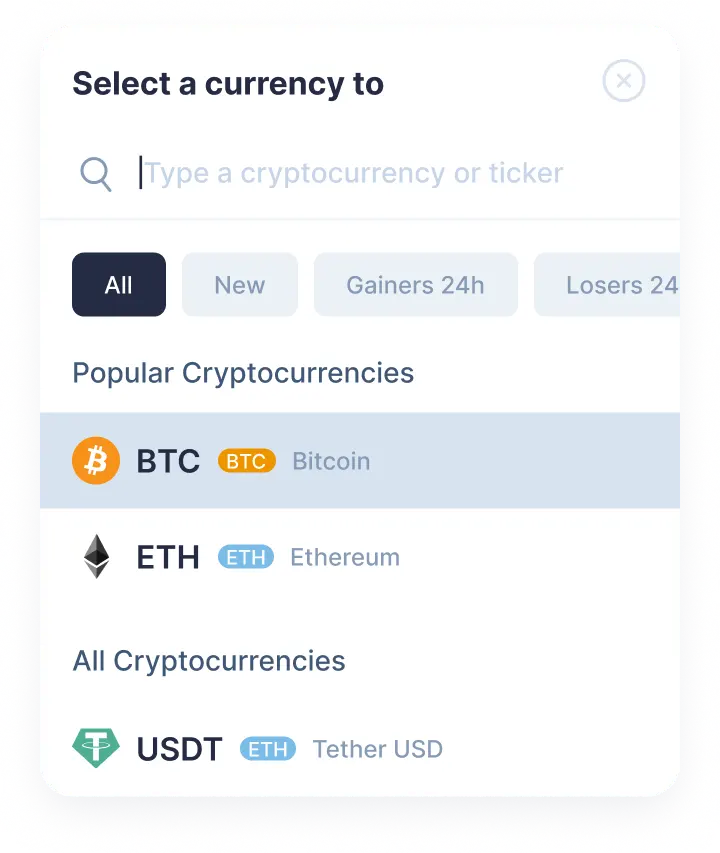
    Choose Defi App in the β€œYou send” section. Next, enter the amount of home you would like to exchange. Then select Serum in the β€œYou get” section. Click the Exchange button.

    Step 1
    Step 1
  2. 2

    Enter the recipient’s address

    Now you need to enter the recipient’s Serum address. Your srm coins will be sent to this address right after the exchange. Create an exchange.

  3. 3

    Send the deposit

    In order to proceed the efficient and reliable swap, the deposit is required. On the exchange page, you will see the address to send the indicated amount of Defi App to continue your home/srm swap.

  4. 4

    Receive cryptocurrencies

    Once we get your deposit, we will convert it, which might take a while. We will then send the Serum to the wallet address you provided for receiving it.

Step 1

Why exchange on SimpleSwap?

  • Privacy

    Sign-up is not required

    SimpleSwap provides cryptocurrency exchange without registration.

    Privacy preview
  • Wide choice

    1000+ cryptocurrencies

    Hundreds of crypto and fiat currencies are available for exchange.

    Wide choice preview
  • 24/7 support

    You won’t be left alone

    Our support team is easy to reach and ready to answer your questions.

    24/7 support preview
  • Safety

    Non-custodial

    Crypto is sent directly to your wallet, we don’t store it on our service.

    Safety preview

Our Users' Reviews

Exchange your Defi App for other cryptocurrecies

Exchange HOME for
Pair
Last price
Change 24h
Status
No results
Watch a tutorial

How to Exchange Crypto

We would like to help you better understand how to make the HOME to SRM exchange on SimpleSwap. Let us walk you through the process.