

Cross chain swap options for XRP to Pangolin

xrp logo
XRP
BSC
png logo
PNG
AVAXC
Exchange
xrp logo
XRP
XRP
png logo
PNG
AVAXC
Exchange

Volatility and changes

Range24 hours7 days30 days90 days
High24H49.0685 PNG7D- PNG30D- PNG90D- PNG
Low24H44.4757 PNG7D- PNG30D- PNG90D- PNG
Average24H47.1738 PNG7D- PNG30D- PNG90D- PNG
Change24H6.67%7D-4.22%30D-18.22%90D4.34%

Convert XRP to Pangolin

XRP logo
XRP
PNG logo
PNG
1 XRP
48.070509 PNG
Exchange1 xrp to 48.07 png
5 XRP
240.352547 PNG
Exchange5 xrp to 240.35 png
10 XRP
480.705095 PNG
Exchange10 xrp to 480.71 png
25 XRP
1201.762737 PNG
Exchange25 xrp to 1201.76 png
50 XRP
2403.525474 PNG
Exchange50 xrp to 2403.53 png
100 XRP
4807.050947 PNG
Exchange100 xrp to 4807.05 png
500 XRP
24035.254737 PNG
Exchange500 xrp to 24035.25 png
1000 XRP
48070.509473 PNG
Exchange1000 xrp to 48070.51 png

In the table provided above, you'll find a comprehensive XRP to PNG converter, demonstrating the relationship between the value of XRP and Pangolin across various frequently used conversion amounts. The list encompasses conversions from 1 XRP to PNG all the way up to 1000 XRP, offering a clear insight into their respective values.

Convert Pangolin to XRP

PNG logo
PNG
XRP logo
XRP
1 PNG
0.020803 XRP
Exchange1 png to 0.02 xrp
5 PNG
0.104014 XRP
Exchange5 png to 0.1 xrp
10 PNG
0.208028 XRP
Exchange10 png to 0.21 xrp
25 PNG
0.520069 XRP
Exchange25 png to 0.52 xrp
50 PNG
1.040139 XRP
Exchange50 png to 1.04 xrp
100 PNG
2.080278 XRP
Exchange100 png to 2.08 xrp
500 PNG
10.401388 XRP
Exchange500 png to 10.4 xrp
1000 PNG
20.802775 XRP
Exchange1000 png to 20.8 xrp

In the table provided above, you'll find a comprehensive PNG to XRP converter, demonstrating the relationship between the value of Pangolin and XRP across various frequently used conversion amounts. The list encompasses conversions from 1 PNG to XRP all the way up to 1000 PNG, offering a clear insight into their respective values.

How to swap XRP to PNG

    Exchange Steps
  1. 1

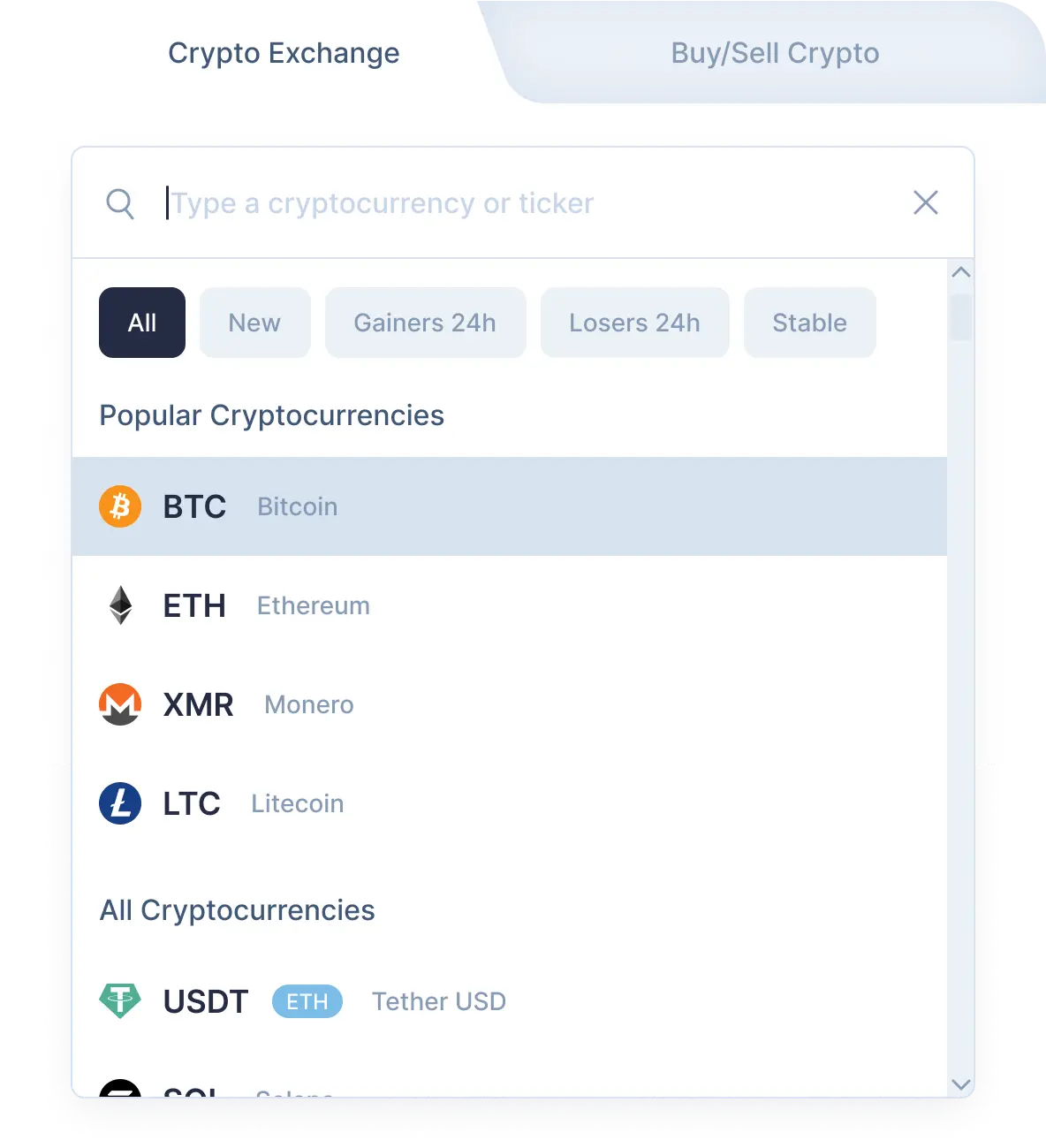
    Choose the crypto exchange pair

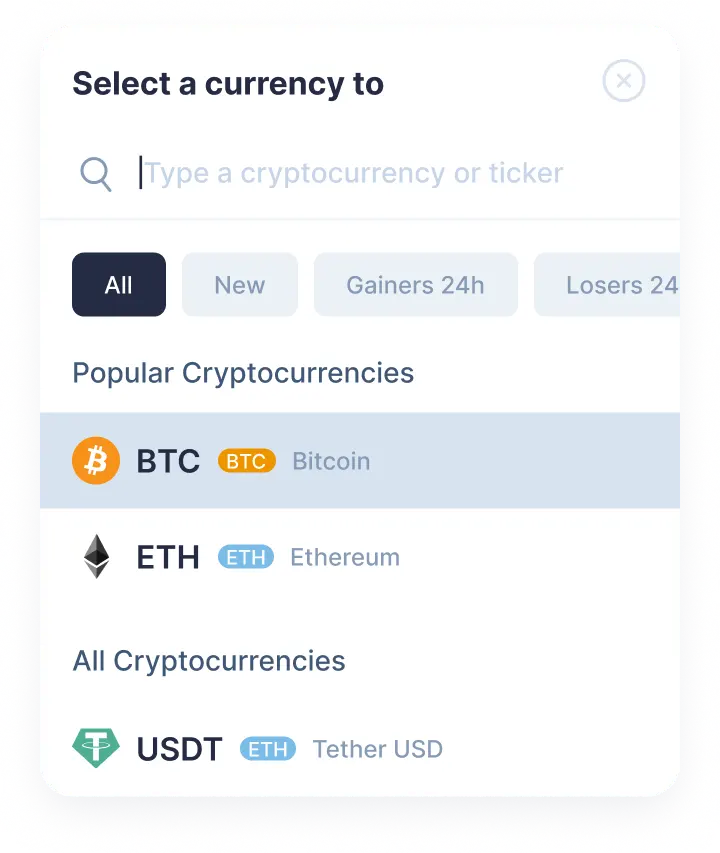
    Choose XRP in the “You send” section. Next, enter the amount of xrp you would like to exchange. Then select Pangolin in the “You get” section. Click the Exchange button.

    Step 1
    Step 1
  2. 2

    Enter the recipient’s address

    Now you need to enter the recipient’s Pangolin address. Your png coins will be sent to this address right after the exchange. Create an exchange.

  3. 3

    Send the deposit

    In order to proceed the efficient and reliable swap, the deposit is required. On the exchange page, you will see the address to send the indicated amount of XRP to continue your xrp/png swap.

  4. 4

    Receive cryptocurrencies

    Once we get your deposit, we will convert it, which might take a while. We will then send the Pangolin to the wallet address you provided for receiving it.

Step 1

Why exchange on SimpleSwap?

  • Privacy

    Sign-up is not required

    SimpleSwap provides cryptocurrency exchange without registration.

    Privacy preview
  • Wide choice

    1000+ cryptocurrencies

    Hundreds of crypto and fiat currencies are available for exchange.

    Wide choice preview
  • 24/7 support

    You won’t be left alone

    Our support team is easy to reach and ready to answer your questions.

    24/7 support preview
  • Safety

    Non-custodial

    Crypto is sent directly to your wallet, we don’t store it on our service.

    Safety preview

Our Users' Reviews

Other Options to Swap Pangolin

Explore many other swap options that will allow you to acquire Pangolin (PNG)

Watch a tutorial

How to Exchange Crypto

If you have any questions about the XRP to PNG exchange, this tutorial may help you. Our tips are waiting for you in this video.