


Cross chain swap options for Pangolin to TRON

png logo
PNG
AVAXC
trx logo
TRX
BSC
兑换
png logo
PNG
AVAXC
trx logo
TRX
TRX
兑换

Volatility and changes

Range24 hours7 days30 days90 days
High24H0.0972 TRX7D- TRX30D- TRX90D- TRX
Low24H0.0918 TRX7D- TRX30D- TRX90D- TRX
Average24H0.0941 TRX7D- TRX30D- TRX90D- TRX
Change24H-4.09%7D-10.46%30D31.1%90D42.47%

Convert Pangolin to TRON

PNG logo
PNG
TRX logo
TRX
1 PNG
0.091795 TRX
Exchange1 png to 0.09 trx
5 PNG
0.458973 TRX
Exchange5 png to 0.46 trx
10 PNG
0.917945 TRX
Exchange10 png to 0.92 trx
25 PNG
2.294863 TRX
Exchange25 png to 2.29 trx
50 PNG
4.589727 TRX
Exchange50 png to 4.59 trx
100 PNG
9.179453 TRX
Exchange100 png to 9.18 trx
500 PNG
45.897265 TRX
Exchange500 png to 45.9 trx
1000 PNG
91.79453 TRX
Exchange1000 png to 91.79 trx

In the table provided above, you'll find a comprehensive PNG to TRX converter, demonstrating the relationship between the value of Pangolin and TRON across various frequently used conversion amounts. The list encompasses conversions from 1 PNG to TRX all the way up to 1000 PNG, offering a clear insight into their respective values.

Convert TRON to Pangolin

TRX logo
TRX
PNG logo
PNG
1 TRX
10.893895 PNG
Exchange1 trx to 10.89 png
5 TRX
54.469476 PNG
Exchange5 trx to 54.47 png
10 TRX
108.938953 PNG
Exchange10 trx to 108.94 png
25 TRX
272.347382 PNG
Exchange25 trx to 272.35 png
50 TRX
544.694764 PNG
Exchange50 trx to 544.69 png
100 TRX
1089.389528 PNG
Exchange100 trx to 1089.39 png
500 TRX
5446.947638 PNG
Exchange500 trx to 5446.95 png
1000 TRX
10893.895275 PNG
Exchange1000 trx to 10893.9 png

In the table provided above, you'll find a comprehensive TRX to PNG converter, demonstrating the relationship between the value of TRON and Pangolin across various frequently used conversion amounts. The list encompasses conversions from 1 TRX to PNG all the way up to 1000 TRX, offering a clear insight into their respective values.

怎样使用 TRX 获取 PNG

    Exchange Steps
  1. 1

    选择加密货币兑换对

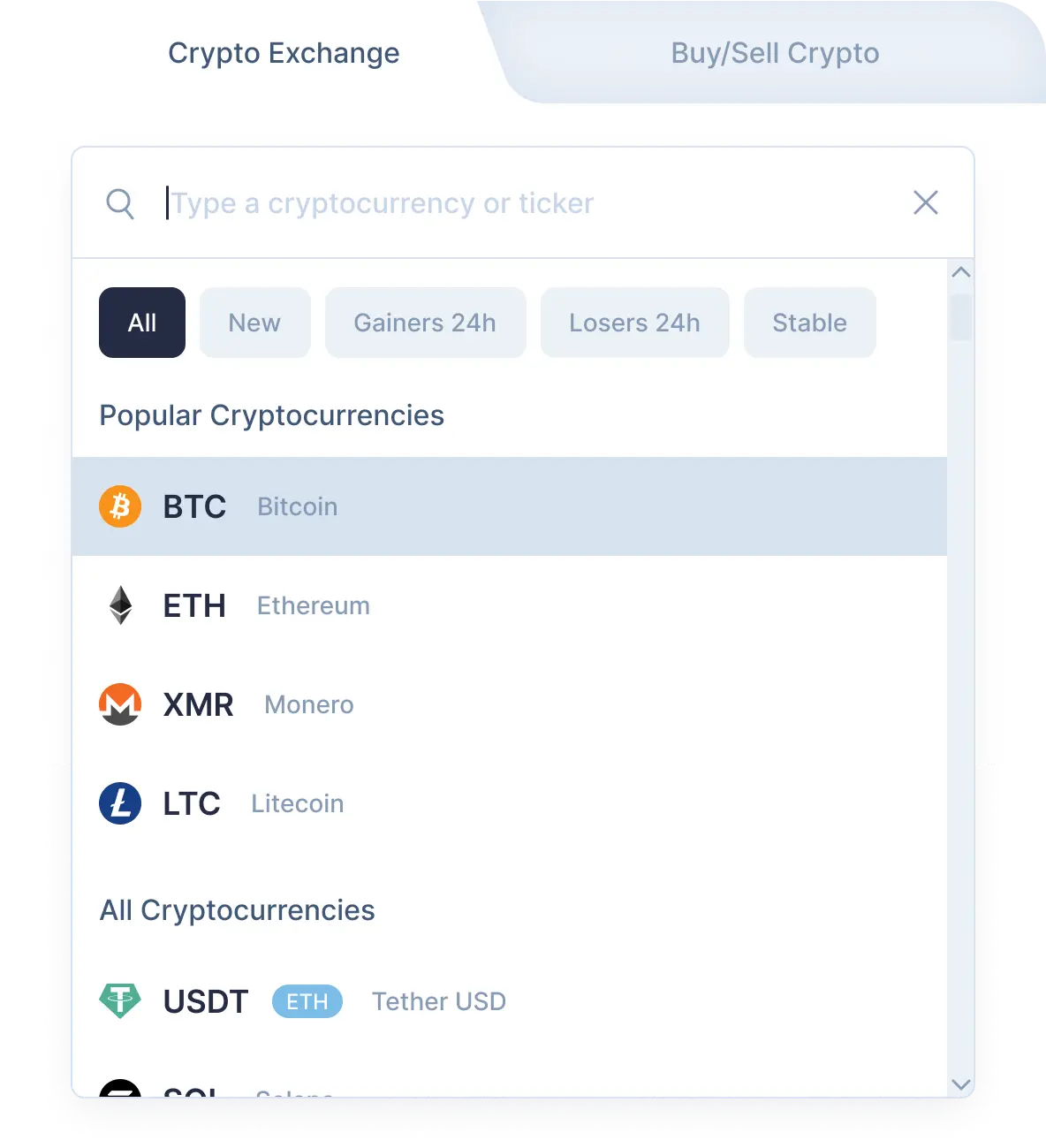
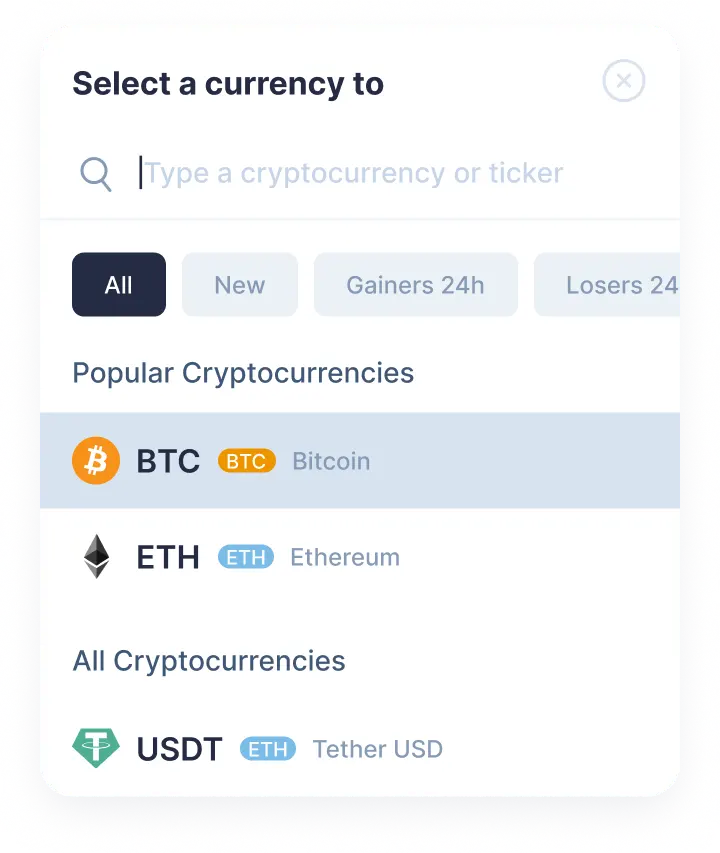
    使用下拉列表在"您发送"部分中选择Pangolin (png)。 接下来,输入您想要兑换的 png 金额。 然后在"您得到"部分选择TRON (trx)。 之后,您将看到您将收到的预计金额 trx。请注意,每次交易都有最低金额。 不要发起少于最低金额的数目。

    Step 1
    Step 1
  2. 2

    输入接收方地址

    现在您需要输入接收方的 TRON 地址。 请非常小心并仔细检查您的 trx 地址。 您的 TRON 货币将在兑换后立即发送到此地址。再次确保所有数据均正确。如果一切正确,点击兑换按钮,然后您将进入兑换页面。

  3. 3

    发送和接收加密货币

    在兑换页面上,您将看到用于发送指定数量的 Pangolin 的地址,以继续您的 png/trx 兑换。 我们收到您存入我们地址的货币后,我们将向您发送TRON。 就是这样! 稍后,TRON 货币将到达您的 trx 地址。

  4. 4

    Receive cryptocurrencies

    Once we get your deposit, we will convert it, which might take a while. We will then send the TRON to the wallet address you provided for receiving it.

Step 1

Why exchange on SimpleSwap?

  • Privacy

    Sign-up is not required

    SimpleSwap provides cryptocurrency exchange without registration.

    Privacy preview
  • Wide choice

    1000+ cryptocurrencies

    Hundreds of crypto and fiat currencies are available for exchange.

    Wide choice preview
  • 24/7 support

    You won’t be left alone

    Our support team is easy to reach and ready to answer your questions.

    24/7 support preview
  • Safety

    Non-custodial

    Crypto is sent directly to your wallet, we don’t store it on our service.

    Safety preview

Our Users' Reviews

Other Options to Swap TRON

Explore many other swap options that will allow you to acquire TRON (TRX)

Watch a tutorial

Crypto Exchange Video Guide

Still don’t know how to exchange PNG to TRX on SimpleSwap? It only takes you a couple of minutes to watch the video and get the instructions.