
Exchange Owlto Finance (OWL) At the best rate
The easiest way to swap OWL is to use an instant crypto converter. Experience fast and convenient exchange of Owlto Finance or any other cryptocurrency by choosing from 1000+ assets available on our service. To expand users capabilities, we also added popular fiat currencies such as USD, EUR, JPY, MXN and much more. Dive into the dynamic yet hassle-free world of crypto with SimpleSwap live price charts. Whether you want to convert or explore the latest exchange rates, our intuitive interface has you covered.
Buy & sell crypto with:

Owlto Finance (OWL) Market Data

Owlto Finance (OWL) All Time High
OWL reached its all-time high price of $0.13 on 16 Jan 2026. Based on the current market price of $0.00 in USD, Owlto Finance (OWL) is currently trading approximately 98.82% below its record peak.
Stats
ATH Price
$0.13
ATH Date
16 Jan 2026
Days since
263 days
Difference from ATH
-98.82%
OWL experienced an upward trend this week
The price of Owlto Finance has faced a rise by 107.3727% in the past month. It increased by 2.923% in the last 24 hours. During the past hour, the price increased by 0.7057%.
The current circulating supply is 2000000000 USD
Owlto Finance Performance


Start Owlto Finance exchange
Social Data & News
Social Metrics
Total posts
5
Reddit posts
1
X posts
4
News articles
—
Contributors
2 people
Dominance
—
Popularity
—




Swap Smarter with SimpleSwap
Join us to unlock advanced features, tailored offers and a better experience for your Owlto Finance exchanges.
Get startedCurrently Supported Asset Protocols
Owlto Finance
How to buy Owlto Finance (OWL) on SimpleSwap?
- 1
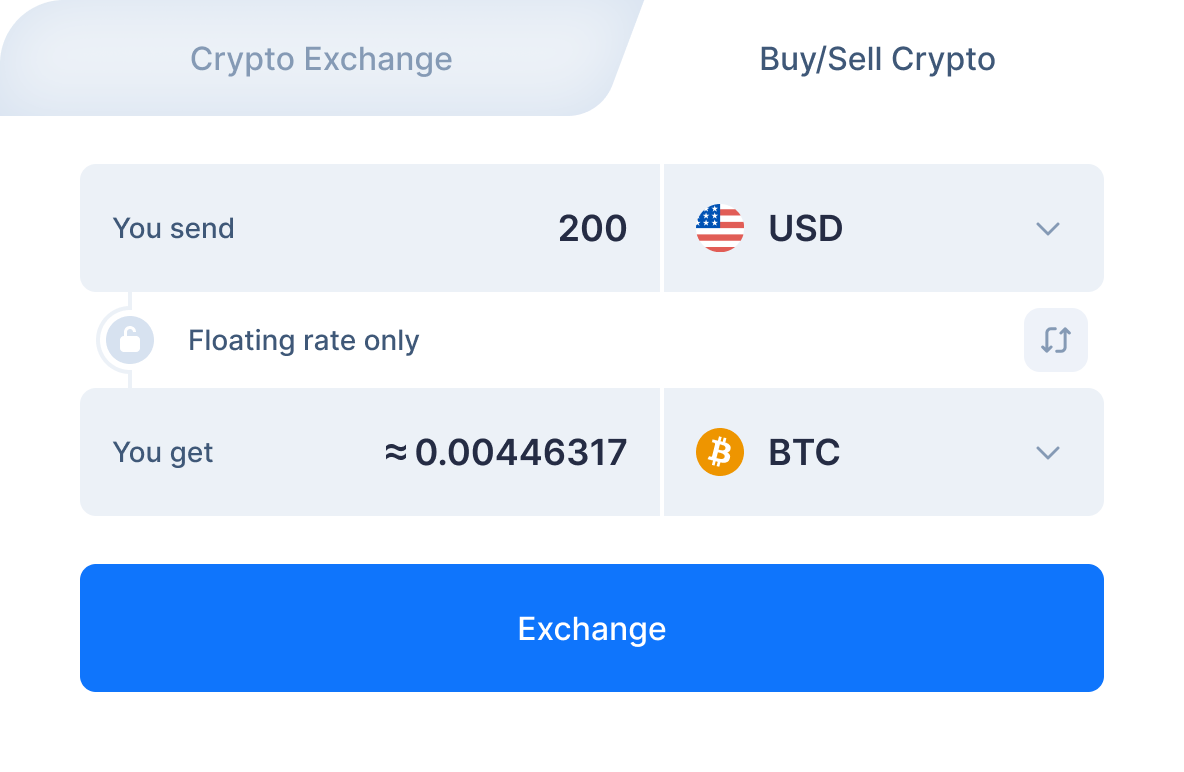
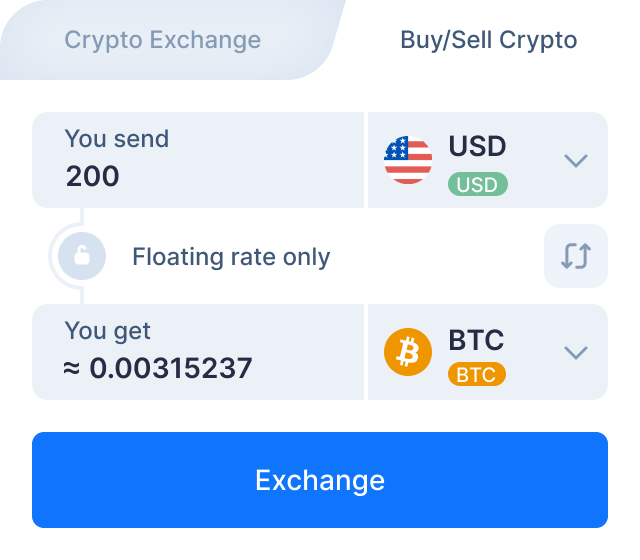
Choose the fiat currency you want to buy OWL for. Let’s say you want to exchange USD for OWL.
- 2
Select USD in the “You send” section. Next, enter the amount you would like to swap.
- 3
Then select Owlto Finance in the “You get” section to see the estimated amount of OWL you will receive. Click the “exchange” button.
- 4
Enter the recipient’s Owlto Finance address. OWL will be sent to this address right after the exchange. Create the exchange.
- 5
On the exchange page, you will see the address to send the indicated amount of USD to continue the exchange.
- 6
After we receive the deposit to our address we send you Owlto Finance.
How to buy Owlto Finance (OWL) on SimpleSwap
The SimpleSwap team has made the cryptocurrency exchange process simple, safe and comfortable. In this video you will find the instructions on how to make crypto exchange on our service.



Why exchange Owlto Finance on SimpleSwap?
Privacy
Sign-up is not required
SimpleSwap provides cryptocurrency exchange without registration.

Wide choice
1000+ cryptocurrencies
Hundreds of crypto and fiat currencies are available for exchange.

24/7 support
You won’t be left alone
Our support team is easy to reach and ready to answer your questions.

Safety
Non-custodial
Crypto is sent directly to your wallet, we don’t store it on our service.

Try The SimpleSwap Mobile App now.




Not ready to exchange yet?
Subscribe to our newsletter to get the latest crypto insights and price updates.


