


Cross chain swap options for THETA to Optimism

theta logo
THETA
THETA
op logo
OP
OPTIMISM
Giao Dịch

Volatility and changes

Range24 hours7 days30 days90 days
High24H1.5185 OP7D1.7159 OP30D1.9628 OP90D2.2537 OP
Low24H1.4781 OP7D1.3124 OP30D1.3124 OP90D1.3124 OP
Average24H1.4958 OP7D1.4941 OP30D1.6631 OP90D1.6709 OP
Change24H-1.47%7D-7.44%30D-18.76%90D3.23%

Convert THETA to Optimism

THETA logo
THETA
OP logo
OP
1 THETA
1.482536 OP
Exchange1 theta to 1.48 op
5 THETA
7.412678 OP
Exchange5 theta to 7.41 op
10 THETA
14.825355 OP
Exchange10 theta to 14.83 op
25 THETA
37.063388 OP
Exchange25 theta to 37.06 op
50 THETA
74.126776 OP
Exchange50 theta to 74.13 op
100 THETA
148.253552 OP
Exchange100 theta to 148.25 op
500 THETA
741.267758 OP
Exchange500 theta to 741.27 op
1000 THETA
1482.535516 OP
Exchange1000 theta to 1482.54 op

In the table provided above, you'll find a comprehensive THETA to OP converter, demonstrating the relationship between the value of THETA and Optimism across various frequently used conversion amounts. The list encompasses conversions from 1 THETA to OP all the way up to 1000 THETA, offering a clear insight into their respective values.

Convert Optimism to THETA

OP logo
OP
THETA logo
THETA
10 OP
6.745201 THETA
Exchange10 op to 6.75 theta
25 OP
16.863002 THETA
Exchange25 op to 16.86 theta
50 OP
33.726005 THETA
Exchange50 op to 33.73 theta
100 OP
67.45201 THETA
Exchange100 op to 67.45 theta
500 OP
337.260049 THETA
Exchange500 op to 337.26 theta
1000 OP
674.520097 THETA
Exchange1000 op to 674.52 theta

In the table provided above, you'll find a comprehensive OP to THETA converter, demonstrating the relationship between the value of Optimism and THETA across various frequently used conversion amounts. The list encompasses conversions from 1 OP to THETA all the way up to 1000 OP, offering a clear insight into their respective values.

Làm thế nào để đổi THETA lấy OP

    Exchange Steps
  1. 1

    Chọn cặp tiền điện tử

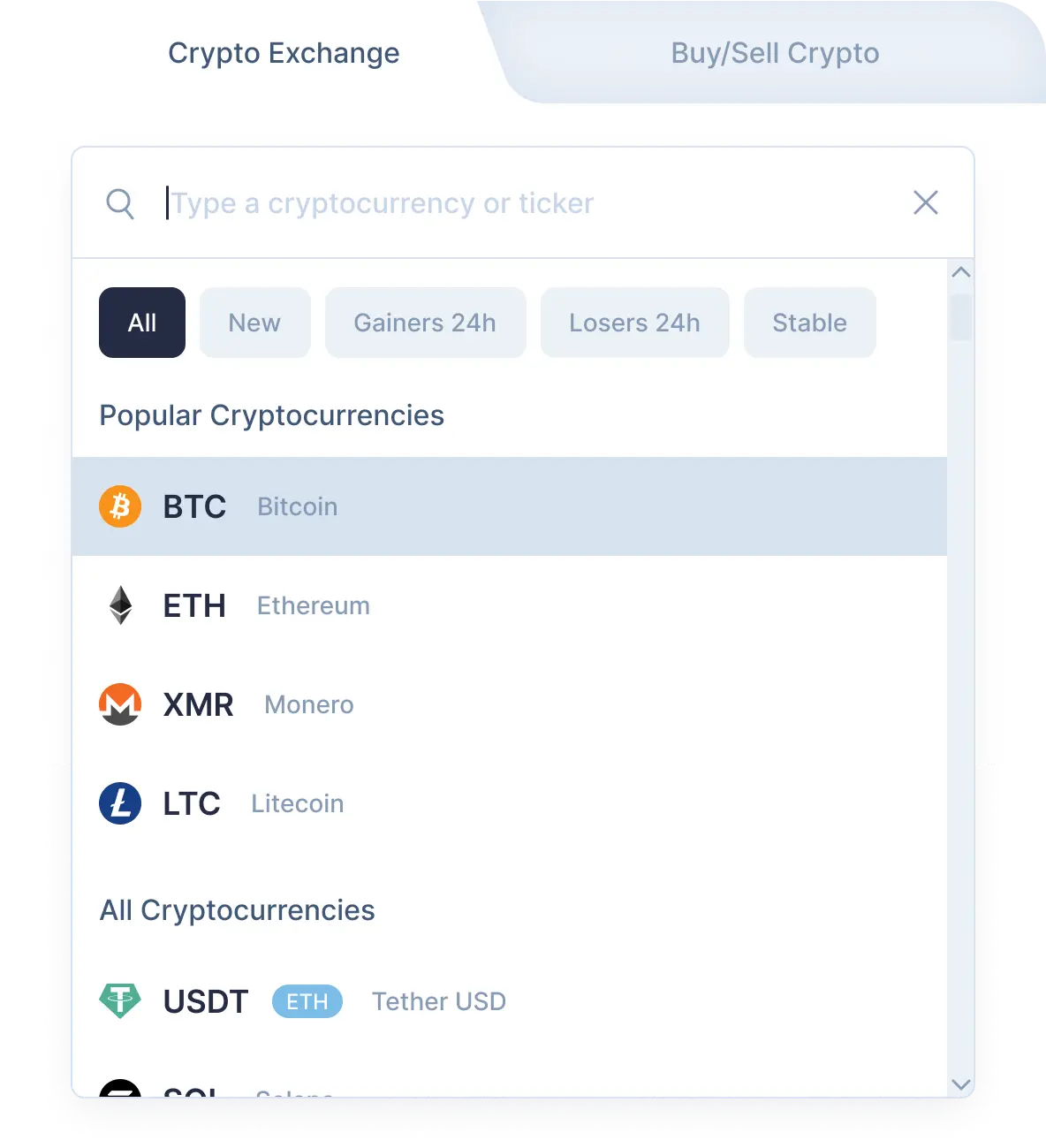
    Chọn THETA (theta) trong mục “Bạn gửi” sử dụng danh mục thả xuống. Tiếp theo, nhập vào số lượng theta bạn muốn giao dịch. Sau đó chọn Optimism (op) trong mục "Bạn nhận". Sau đó, bạn sẽ thấy số lượng ước tính op mà bạn sẽ nhận được.Xin lưu ý là có số tiền tối thiểu cho mọi giao dịch. Đừng gửi số tiền nhỏ hơn số tiền tối thiểu.

    Step 1
    Step 1
  2. 2

    Nhập địa chỉ người nhận

    Giờ bạn cần nhập địa chỉ người nhận Optimism. Xin hãy thật thận trọng và kiểm tra lại địa chỉ op của bạn. Số đồng Optimism của bạn sẽ được gửi tới địa chỉ này ngay sau khi giao dịch.Một lần nữa, hãy đảm bảo là tất cả dữ liệu đều chính xác. Nếu mọi thứ đều đã đúng, nhấp vào nút Giao Dịch, và bạn sẽ được chuyển đến trang giao dịch.

  3. 3

    Gửi và nhận tiền điện tử

    Trên trang giao dịch, bạn sẽ thấy địa chỉ để gửi số tiền THETA đã định để tiếp tục giao dịch cặp theta/op của bạn.Sau khi chúng tôi nhận được số tiền gửi vào địa chỉ của chúng tôi chúng tôi gửi Optimism tới bạn. Vậy là xong! Chỉ trong chốc lát, số tiền Optimism sẽ tới địa chỉ op của bạn.

  4. 4

    Receive cryptocurrencies

    Once we get your deposit, we will convert it, which might take a while. We will then send the Optimism to the wallet address you provided for receiving it.

Step 1

Why exchange on SimpleSwap?

  • Privacy

    Sign-up is not required

    SimpleSwap provides cryptocurrency exchange without registration.

    Privacy preview
  • Wide choice

    1000+ cryptocurrencies

    Hundreds of crypto and fiat currencies are available for exchange.

    Wide choice preview
  • 24/7 support

    You won’t be left alone

    Our support team is easy to reach and ready to answer your questions.

    24/7 support preview
  • Safety

    Non-custodial

    Crypto is sent directly to your wallet, we don’t store it on our service.

    Safety preview

Our Users' Reviews

Other Options to Swap Optimism

Explore many other swap options that will allow you to acquire Optimism (OP)

Xem hướng dẫn

Cách Giao Dịch Tiền Điện Tử

Bạn có muốn tìm hiểu thêm về từng bước để giao dịch THETA sang OP trên SimpleSwap? This in-depth video is created to clarify the process.