Quick answer
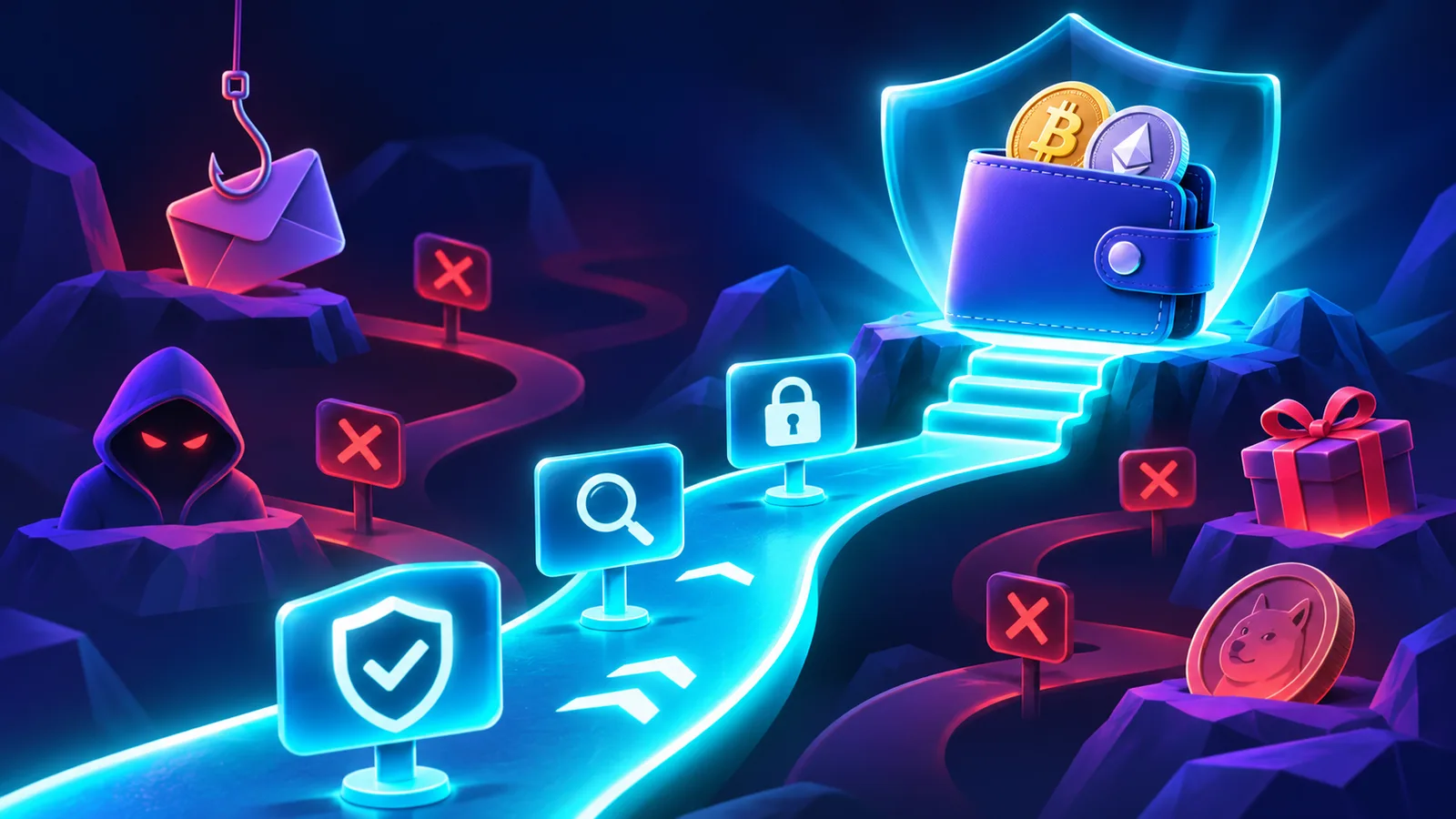
A fake crypto app or phishing website tries to look legitimate long enough to make you reveal a secret or approve a harmful transaction. The strongest warning signs are a look-alike domain, an unofficial download link, unsolicited support, urgency, recovery phrase requests and unexpected wallet approvals.
Before installing an app or connecting a wallet, verify the source through an official website or app store listing. Before signing, read what the wallet says the transaction will do.
Why fake crypto apps can look convincing
Crypto brands often have recognizable logos, colors and interface patterns. Those visual elements are easy to copy. A cloned site may look almost identical while using a slightly different domain or sending transactions to a malicious contract.
Branding is therefore not proof of authenticity. Verification should focus on the source, domain, publisher, permissions and transaction details.
If a site was reached through an ad, direct message or unsolicited email, verify it independently before interacting.
Red flag 1: A look-alike or misspelled domain
Phishing sites often use domains that resemble the real product name but add extra words, replace letters or use a different top-level domain.
Instead of trusting a link in a message, open the official site from a bookmark or type the known domain yourself. For SimpleSwap, the official domain is simpleswap.io.
If the domain is unfamiliar, do not connect a wallet until you verify it through official channels.
Red flag 2: The app came from an unofficial download link
Wallet providers repeatedly warn users to download apps only from official stores or official download pages. A file shared through Telegram, Discord, email or a random website may be a modified application.
Check the publisher name, reviews, update history and the link from the official wallet website. Be especially cautious when a message says you must install a special version to recover funds or unlock a reward.
Red flag 3: Someone asks for your recovery phrase or private key
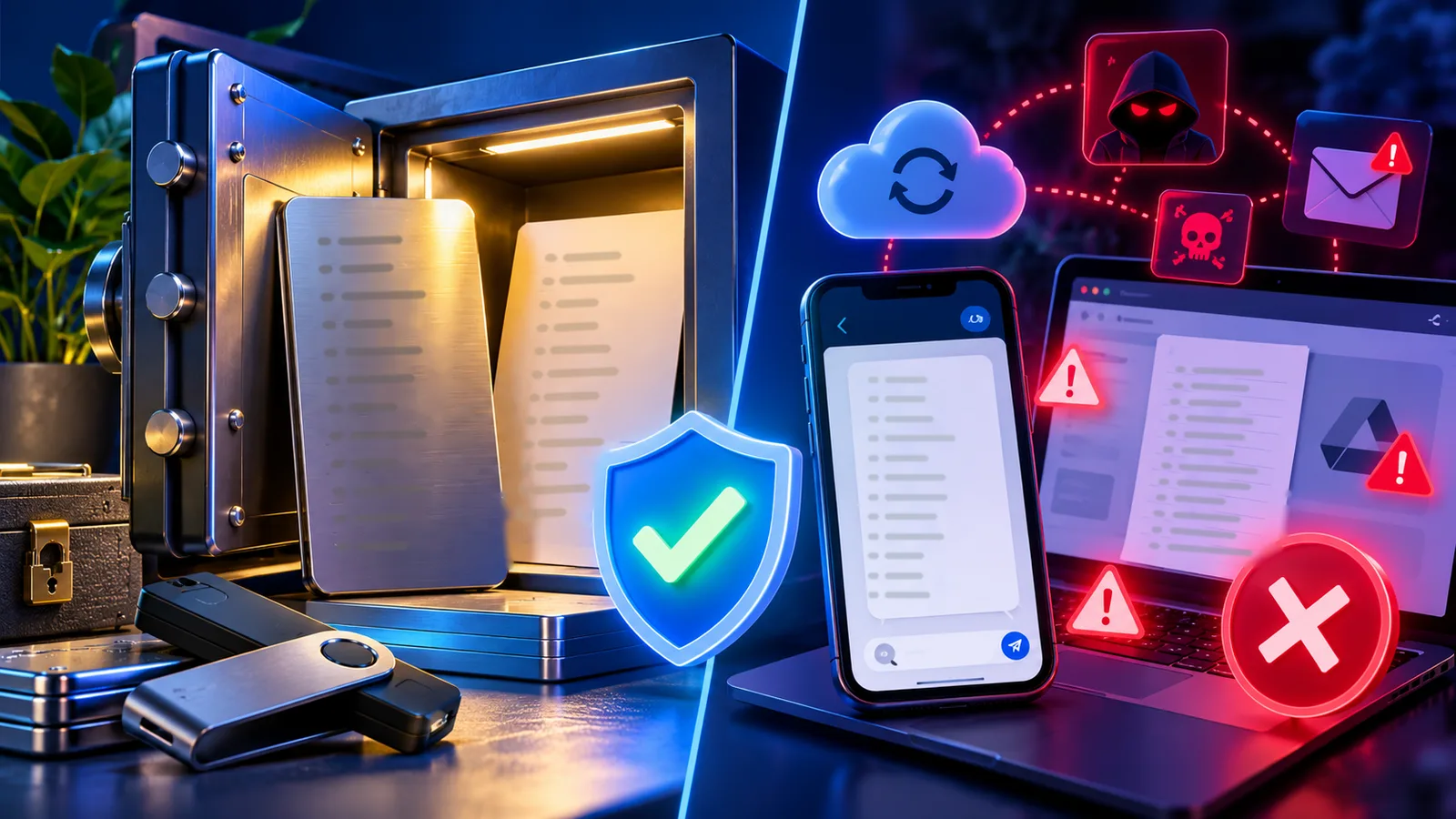
A recovery phrase or private key gives control over the wallet. Support teams do not need it to check a transaction hash, explain an error or help you use an interface.
MetaMask, Phantom and Trust Wallet all publish warnings that legitimate support will not ask for secret recovery information. If someone requests it, stop the conversation.
Never type a recovery phrase into a website because it claims that the wallet needs verification, synchronization or migration.
Red flag 4: The message creates urgency
Scams often use pressure: your wallet is compromised, your account will be closed, your airdrop expires today, or you must move funds to a safe address immediately.
Urgency reduces the time people spend checking details. A legitimate security process should still allow you to verify the source independently.
Pause, open the official support site yourself and confirm whether the alert is real.
Red flag 5: The wallet asks for an unexpected approval or signature
Connecting a wallet is not the same as sending funds, but a site can request token approvals, signatures or transactions after connection. Read each request before confirming.
Security simulation tools can flag known malicious patterns, but they are not guarantees. If you do not understand the requested permission, reject it and investigate first.
After interacting with a suspicious site, disconnect it from the wallet and review token approvals where the wallet supports that feature.
Pre-connect security checklist
Before connecting or signing, check:
Am I on the official domain?
Did I reach this page through a trusted source?
Is the app from an official store or verified download page?
Is anyone asking for my recovery phrase or private key?
Is there artificial urgency?
Do I understand the approval or transaction?
Does the wallet show a security warning?
Can I verify the same request through official support or documentation?
How this connects to SimpleSwap
SimpleSwap does not need your recovery phrase or private key to process a wallet-to-wallet crypto exchange. The normal flow uses public wallet addresses, a deposit transaction and exchange identifiers.
Before creating or tracking a swap, make sure you are on the official SimpleSwap domain. If a person contacts you with a different link or asks you to install a script, browser extension or special wallet tool, verify the request through official support before doing anything.
FAQ
Can a phishing site steal funds just because I opened it?
Simply opening a page does not automatically authorize a blockchain transfer, but malicious sites may try to trick you into downloading malware, revealing secrets or signing harmful transactions.
Should support ever ask for my recovery phrase?
No. A legitimate wallet support agent does not need your recovery phrase or private key.
Is an app safe if it is in an app store?
Official app stores reduce risk but are not a substitute for checking the publisher and official product link.
What should I do if I connected to a suspicious site?
Disconnect it, review approvals, avoid further signatures and move remaining assets to a new wallet if secret keys or the recovery phrase were exposed.
Can wallet security warnings catch every scam?
No. Security alerts are helpful but cannot guarantee detection of every malicious site or transaction.