Quick answer
A stablecoin transfer is safe only when the asset and network match on both sides. USDT and USDC are available on multiple blockchains, so sending the right ticker on the wrong network can still create a failed or unrecoverable transfer.
Before you send, verify five items: the stablecoin, the network, the token version, the destination address and any required extra identifier such as a memo or destination tag.
Why stablecoins create network confusion
Stablecoins are designed to track a reference asset such as the US dollar, but the tokens themselves still live on blockchains. That means network rules apply to them just as they do to other crypto assets.
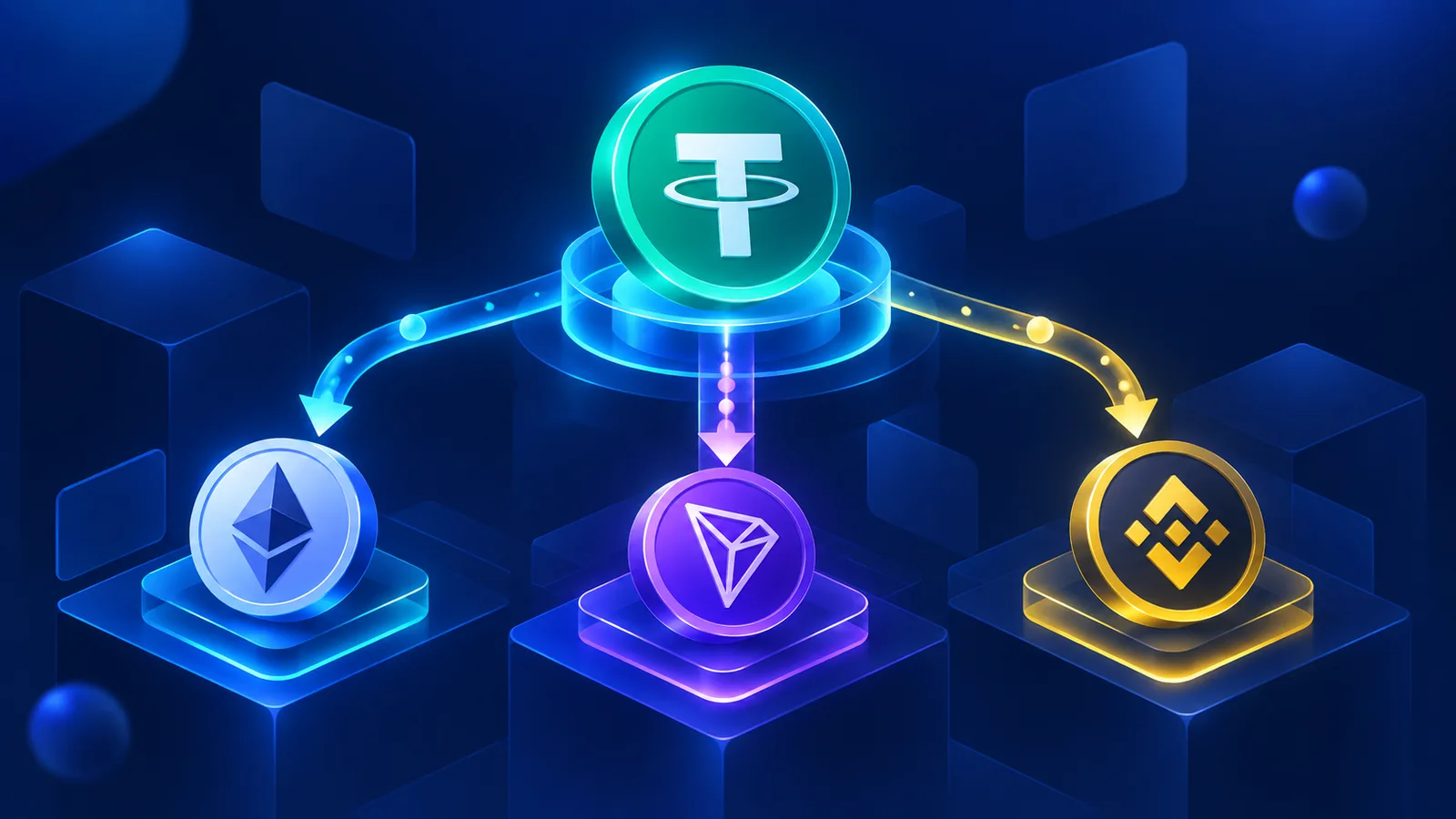
Tether publishes USDT on multiple supported protocols, including Ethereum, Tron, Solana, TON and others. Circle also supports native USDC across a growing list of blockchains.
This makes stablecoins convenient for payments and transfers, but it creates a common beginner mistake: assuming that USDT is simply USDT, or USDC is simply USDC, regardless of the blockchain.
1. Confirm the exact stablecoin
First, verify whether you are sending USDT, USDC or another stablecoin. Similar tickers and logos can make mistakes easy, especially when a wallet contains several stablecoins.
If the token was added manually, verify the contract address from a trusted official source before sending.
For unfamiliar tokens, use the token safety checklist before interacting with the asset.
2. Confirm the network on both sides
The sending wallet and receiving wallet or service must support the same network for that token. If you select USDT TRC20, the receiving side must accept USDT on Tron. If you select USDC on Solana, the receiving side must support USDC on Solana.
Do not rely on the address alone. Some EVM networks use the same address format, but the blockchain route is still different.
If you need a deeper comparison, see USDT ERC20 vs TRC20 vs BEP20.
3. Check native vs bridged token versions
Network support can be more specific than the chain name. Circle distinguishes native USDC from bridged versions on several networks. A wallet may display both, but a service may support only one token contract.
Native USDC is issued by Circle on a supported blockchain. Bridged USDC is created through a cross-chain bridge or third-party mechanism. Both can represent dollar-denominated value, but they are not automatically interchangeable in every deposit or withdrawal flow.
When a platform lists a contract address, compare it carefully with the token in your wallet.
4. Verify the destination address and extra ID
Copy the destination address from the receiving wallet or service and verify the full value before sending. Avoid using an address copied from transaction history unless you have independently checked it.
Some assets and services also require a memo, destination tag, payment ID or extra ID. If the receiving platform provides one, it may be needed to credit the transfer to the correct account.
SimpleSwap explains that a missing required tag can delay or complicate recovery, so treat the address and extra identifier as one set of payment details.
5. Review fees and consider a small test
Each blockchain has its own network fee model. Your wallet must have enough fee balance to submit the transaction.
For a large transfer to an unfamiliar destination, a small test transfer can be useful when minimum amounts and fees make it practical. The purpose is operational verification, not market timing.
After sending, save the transaction hash so you can verify the transfer on a block explorer.
Stablecoin transfer checklist
Before confirming a stablecoin transfer, ask:
Is this the correct stablecoin?
Is the sending network correct?
Does the receiver support that same network?
Is this the correct token contract or token version?
Is the full destination address correct?
Is a memo or destination tag required?
Do I have enough network fee balance?
Have I saved the transaction hash after sending?
How this connects to SimpleSwap
SimpleSwap supports swaps across many assets and blockchain networks. When creating an exchange, the network selected for the deposit and receiving asset becomes part of the transaction instructions.
If you send a stablecoin, follow the network shown in the exchange. If you receive a stablecoin, make sure your recipient wallet supports the selected output network and token version.
FAQ
Is USDT the same on every network?
The value may represent the same stablecoin, but the blockchain protocol, contract and transfer route differ by network.
Is USDC on Ethereum the same transfer as USDC on Solana?
No. They are on different blockchains and require network-specific transfer support.
What is bridged USDC?
It is a representation of USDC moved or issued through a bridge mechanism rather than native USDC issued by Circle on that network.
Can an EVM address work on several networks?
The address format can be the same, but the destination service still needs to support the selected blockchain.
What should I do if I sent on the wrong network?
Contact the receiving service immediately with the transaction hash. Recovery is not guaranteed.