Quick answer
Using a crypto wallet for a transfer starts with one check: confirm the network of the token before you enter the recipient address. Many wallets support several blockchain networks and show the network next to each token.
When you send, review the recipient, token, amount, network fee and any wallet warning before confirming. When you receive, share the address for the correct network and make sure the sender selects that same network.
Why the token network matters
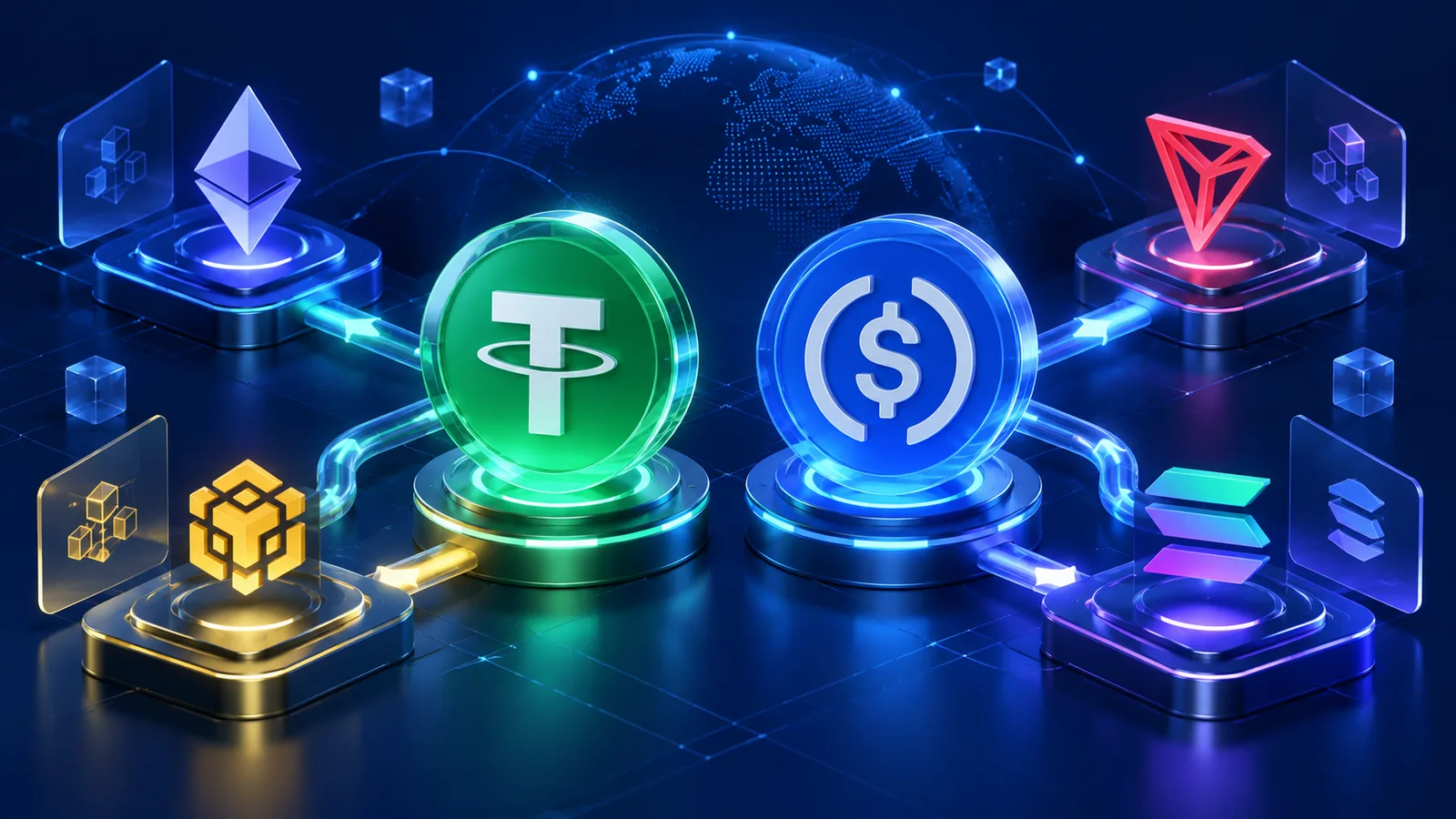
The same asset can exist on multiple networks. That is why the token network and the recipient network should be checked before every transfer.
For example, USDC on Solana must be sent to a destination that supports USDC on Solana. A receiving service that supports USDC only on Ethereum is not automatically compatible.
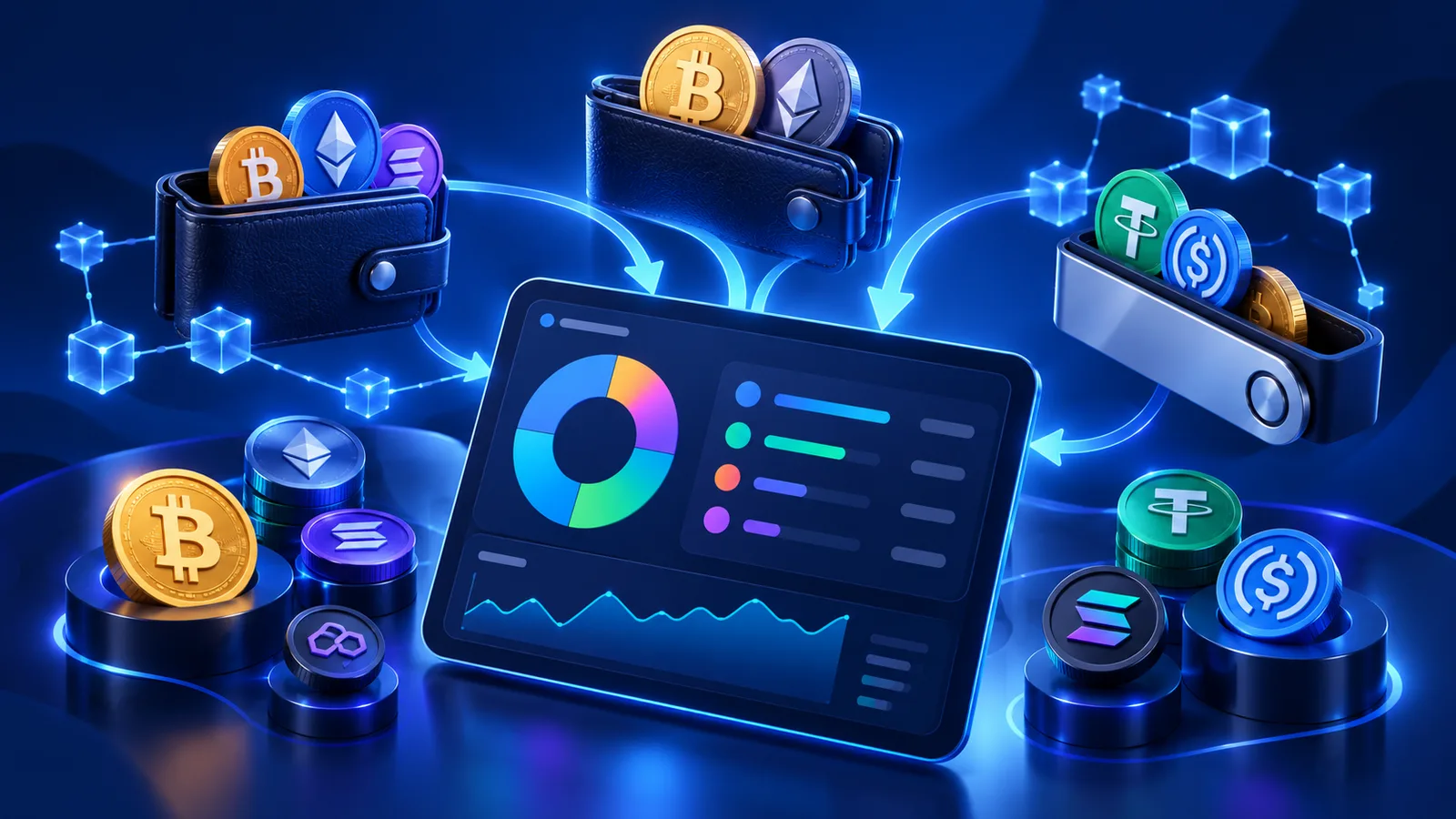
When a wallet supports several networks, network awareness becomes part of basic transaction hygiene.
How to receive crypto in your wallet
Open the Receive or Deposit section and choose the network you need. Multi-network wallets usually provide an address for each supported network. Some networks may use the same visible address format, but the network still needs to match on both sides.
Copy the address or use the QR code. If you have several accounts in your wallet, make sure you selected the intended account before sharing the address.
When receiving from an exchange or swap service, verify that the withdrawal or output network matches the address you selected in your wallet.
How to send crypto from your wallet
Choose Send, select the token and then enter the recipient. Most wallets let you paste an address, scan a QR code or select a saved contact or recent destination.
Before confirming, review the token, recipient, amount and network fee. Keep enough of the network's native asset to cover fees, such as SOL on Solana or ETH on Ethereum.
If your wallet shows a new-address warning, treat it as a reminder to verify the full destination before proceeding.
Using your wallet for a SimpleSwap exchange
Create the exchange first and note the deposit asset, deposit network and receiving asset. If you plan to receive the output in your own wallet, copy its address for the output network.
When it is time to send the deposit, select the matching token in your wallet and send it to the deposit address shown by the exchange. Review all details before confirming.
If the exchange involves a stablecoin, it can help to review how network choice changes a stablecoin transfer.
What to do after sending
Once the transaction is broadcast, use your wallet's transaction history and the relevant blockchain explorer to follow the transfer. The transaction hash is the best reference for on-chain status. See what a transaction hash is and how to track it.
If the swap takes longer than expected, compare two things: the blockchain status of your deposit and the exchange status. A confirmed deposit can still require additional processing before the final payout is sent.
Save the transaction hash and exchange ID until the process is finished.
Crypto wallet security basics
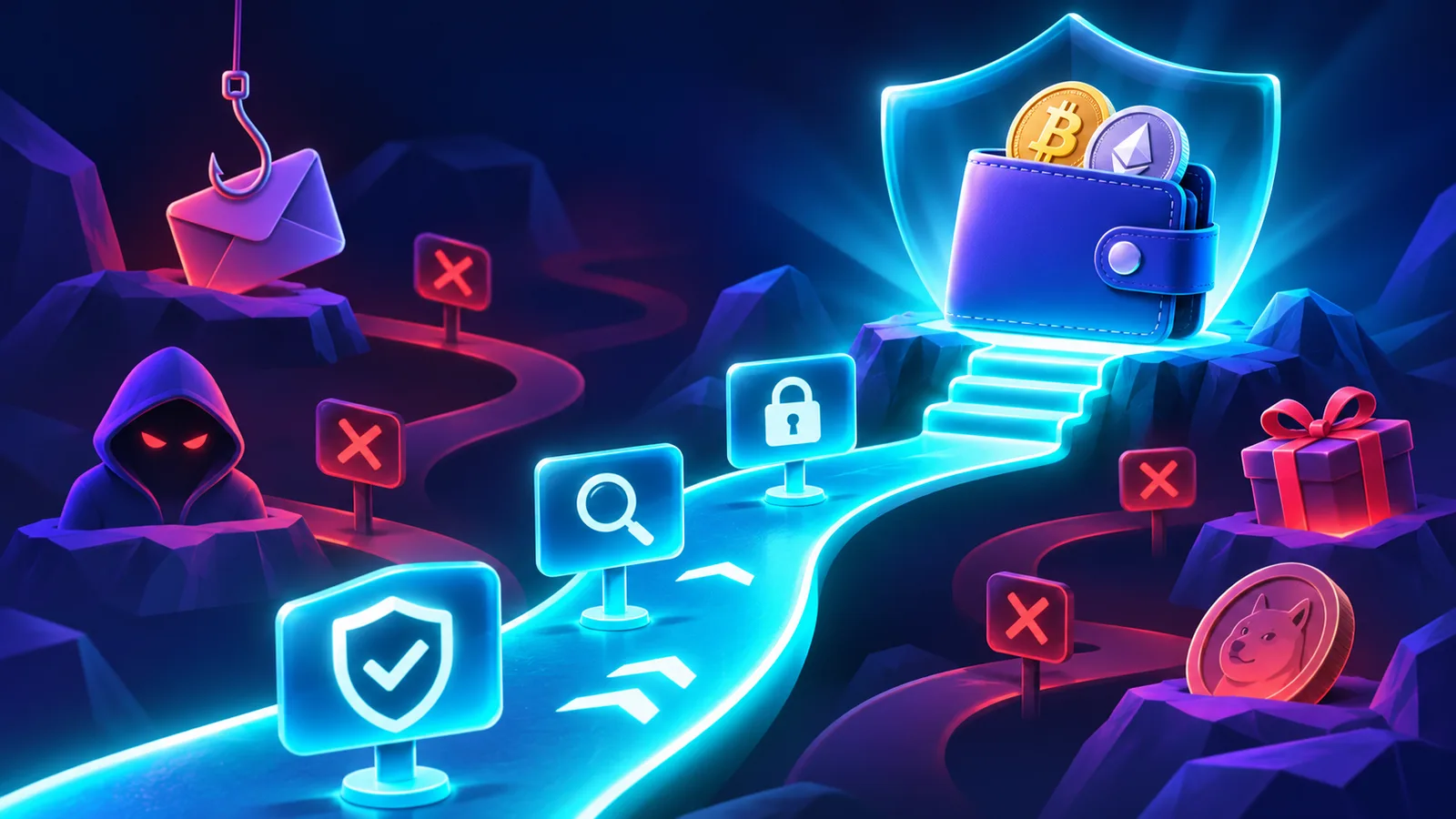
Legitimate wallet support will never ask for your recovery phrase. Anyone who obtains the phrase or a private key can control the corresponding wallet.
Be cautious with unsolicited messages, fake support accounts, airdrop links and websites that ask you to connect a wallet unexpectedly. Also avoid copying addresses from transaction history without verification, because look-alike addresses can be planted there.
If you interact with an unfamiliar token, review its contract or mint address using trusted sources before signing any transaction.
How this connects to SimpleSwap
Any self-custody wallet can serve as the sending or receiving wallet for a SimpleSwap transaction when the selected asset and network are supported by both sides.
The core rules are the same for every wallet: match the network, verify the full address, keep enough balance for blockchain fees and save the transaction identifiers.
FAQ
Can my wallet receive USDC?
Yes, if the wallet supports USDC on the selected network. The sender must choose the same network as your receiving address.
Why do I need SOL or ETH if I am sending another token?
Many networks require their native asset to pay the transaction fee.
Can I use the same wallet address for every network?
Not always. Many wallets provide network-specific receiving details. Always select the intended network in the wallet and on the sending platform.
What if my wallet warns me about a new address?
Verify the full destination before sending. A new address is not automatically malicious, but it deserves a check.
Will wallet support ask for my recovery phrase?
No. Legitimate support never needs it. Never share it with anyone.