What is a hot wallet?
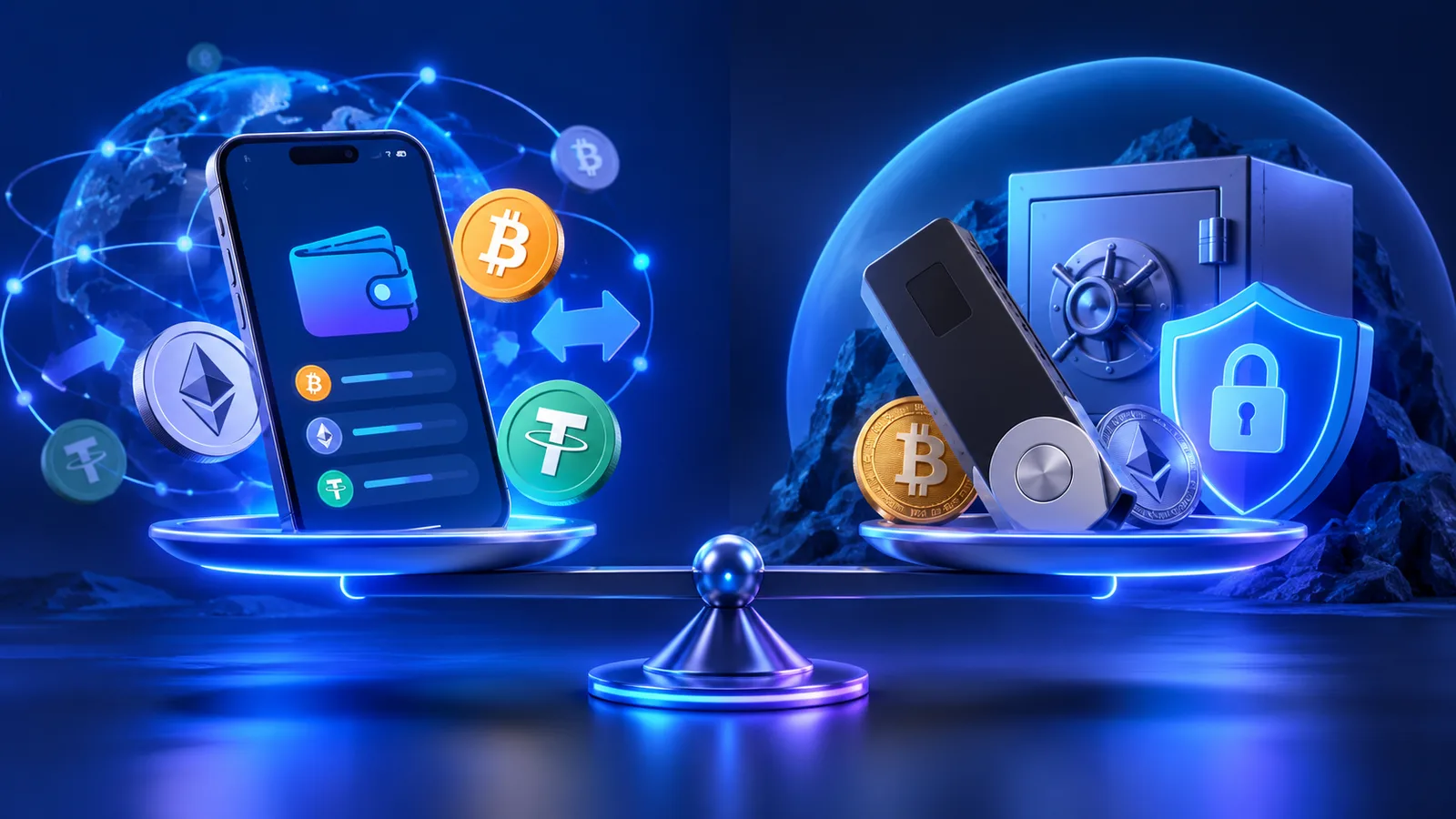
A hot wallet is a cryptocurrency wallet that runs on a device connected to the Internet. Mobile wallets, browser extensions, and many desktop wallets fall into this category.
Hot wallets are popular because they’re convenient. You can open the app, check your balances, sign a transfer, connect to a dApp, or make a swap without having to plug in a separate hardware device every time.
However, this convenience comes with risks. If your phone, browser, or computer is compromised, malware or phishing attacks can target your wallet access, transaction approvals, or data in your clipboard.
“Hot” does not by definition mean “insecure.” A reliable wallet with good security practices can be suitable for everyday use. The key question is: how much value do you keep in it, and what do you use it for?
What is a “cold” wallet?
A “cold” wallet stores private keys offline or uses a signing device designed to isolate the keys from a generic computer connected to the Internet.
Hardware wallets are the best-known example. The device stores the private keys and signs transactions internally. Unsigned and signed transaction data may pass between the wallet interface and the device, but the private key is intended to remain within the secure environment.
Some users also employ offline computers, physically isolated (air-gapped) devices, or specialized storage systems. The implementation matters more than the label.
Cold storage reduces certain online attack surfaces but entails physical and operational responsibilities. It is still necessary to protect the recovery phrase, verify addresses on the device’s screen, and avoid approving malicious transactions.
“Hot” Wallet vs. “Cold” Wallet: Key Differences
Convenience
Hot wallets are generally faster for everyday activities. The wallet is already on the phone or browser you’re using.
Cold wallets add an extra signing step. This may seem slower, but this step can also serve as a useful security check.
Internet Exposure
Hot wallets run on devices that regularly browse websites, install software, and receive messages. This increases exposure to phishing, malware, and malicious extensions.
Cold wallets aim to keep signing secrets isolated from that environment.
Optimal Use Case
“Hot” wallets work well for small balances, routine transfers, DeFi activities, or frequent trading.
Cold wallets are commonly used for long-term holdings or larger balances that do not need to be moved on a daily basis.
Recovery Responsibility
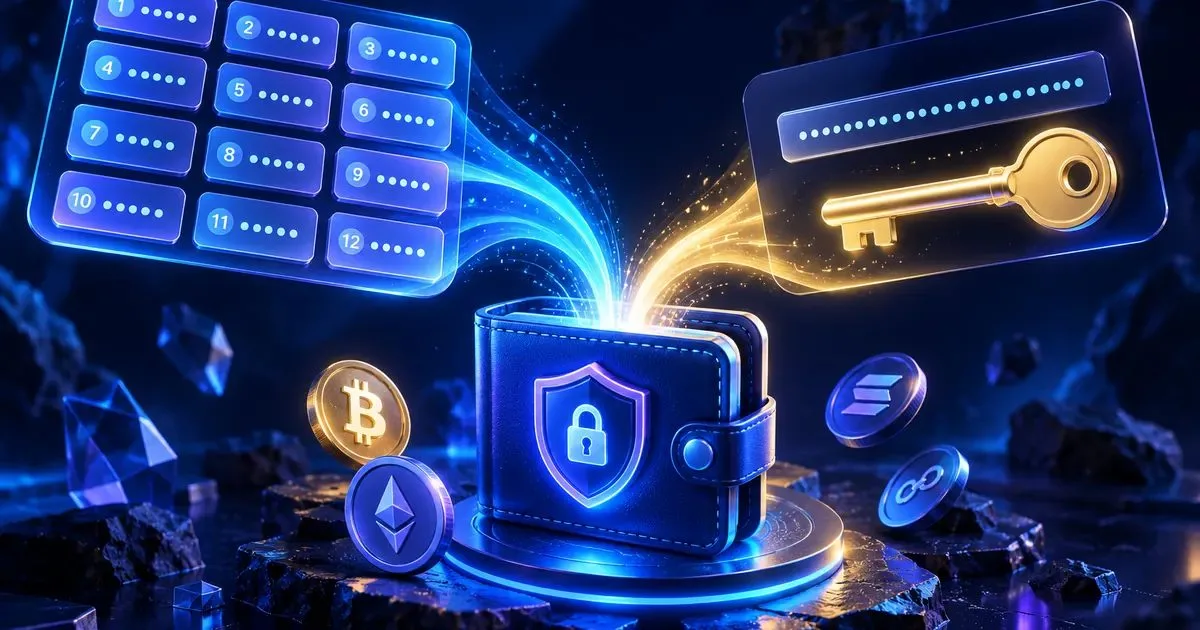
Both self-custodial “hot” and “cold” wallets rely on a seed phrase or another recovery method. The loss of a hardware device is often recoverable if the backup is secure. The loss of the recovery secret can be much more serious.
If you’re unsure how recovery works, check out SimpleSwap’s explanation of what a seed phrase is before transferring significant funds.
“Hot” and “Cold” Are Not Synonyms for “Custodial” and “Non-Custodial”
These are two different dimensions.
Custodial wallet or account
A third party manages the keys on behalf of the user. The user typically logs in with an account, a password, and two-factor authentication. The service is responsible for managing the keys and the infrastructure for withdrawals.
Non-custodial wallet
The user controls the private keys or the recovery method. There is no central provider capable of restoring access if the recovery phrase is lost.
A mobile wallet can be both “hot” and non-custodial. An account on a centralized exchange may be “hot” from an operational standpoint but custodial from the user’s perspective. A hardware wallet is usually “cold” and non-custodial.
This distinction is important because security trade-offs depend on who controls the keys, not just on whether the device is online.
Main Risks of “Hot” Wallets
Phishing
A fake wallet website or dApp can trick a user into revealing a recovery phrase or approving a malicious transaction.
Malware
Malware can monitor the clipboard, steal browser data, or manipulate what the user sees before signing. SimpleSwap’s guide to secure transfers explains why it’s important to verify the address actually in the field, not just the one you thought you copied. Check out the eight questions to ask yourself before a cryptocurrency transfer.
Malicious Approvals
A user may sign a token approval or a smart contract transaction that grants a malicious actor permission to transfer assets at a later time. Always read carefully what your wallet is asking you to approve.
Device Compromise
A stolen, unlocked phone or an infected computer can expose your wallet interface even if you’ve never shared your recovery phrase.
Key Risks of Cold Wallets
Loss of the recovery phrase
A hardware device can be replaced, but only if the user is able to restore the wallet. A lost or damaged backup of the recovery phrase can become the single point of failure.
Physical theft
A device or backup can be stolen. PIN protection is helpful, but the recovery phrase must also be protected from physical access.
Supply Chain Risks and Counterfeit Devices
Hardware wallets should be purchased through official or trusted channels. A tampered device can compromise the security model even before the user begins using it.
Blind signing and malicious transactions
A cold wallet does not protect a user who knowingly signs a malicious transaction. Verify destination addresses and transaction details on the hardware device’s display whenever possible.
Operational errors
Cold storage can be less forgiving for beginners. Mistakes such as sending funds to the wrong network, losing backups, and misunderstanding recovery procedures are still possible.
A practical two-wallet setup
Many users separate their funds by purpose.
Daily wallet
Keep only the amount needed for routine trades, dApps, and transfers. The goal is to minimize damage as much as possible in case your everyday device is compromised.
Storage wallet
Store assets not needed for daily activities in a more isolated environment. Connect it only when necessary and carefully review every transaction.
This isn’t a universal rule, but it creates a clear security boundary. It’s similar to carrying money for daily expenses in a wallet, while keeping your larger savings in a place that’s harder to access.
SimpleSwap’s overview of everyday cryptocurrency wallets compares different options based on real-world workflows, rather than a single ranking.
How to Choose the Right Wallet for You
Ask yourself the following questions.
How often do I make transactions?
If you transfer assets several times a week, a hot wallet is the most convenient solution. If you transfer them rarely, cold storage might be worth it despite the added hassle.
How much value is at risk?
Avoid keeping a life-changing amount of money in the same browser wallet you use to test random dApps.
Which networks do I use?
Wallet support varies. Make sure the wallet supports the assets and networks you actually need.
Do I understand the recovery process?
A secure wallet that you can’t recover isn’t a good solution. Practice with a small amount before relying on it completely.
Can I verify transactions on a separate screen?
Hardware wallets can display the address and amount independently of your computer. This helps protect against certain types of malware or clipboard manipulation.
Secure wallet habits before the swap
The type of wallet is only one part of safe transaction behavior.
-
Verify the destination address and network.
-
Verify the token contract for assets you’re unfamiliar with.
-
Keep your seed phrase offline.
-
Never enter your recovery phrase just because a support agent asks for it.
-
Send a small test amount when using a wallet or address you’re not familiar with.
-
Check the transaction hash after sending.
-
Use official domains and wallet applications.
-
Check for approval and signature requests.
For a destination you’re unfamiliar with, SimpleSwap’s “Verify Address” feature can provide additional information about the risk associated with the address. However, it does not guarantee that you’ve pasted the correct address, so manual verification is still required.
How this relates to SimpleSwap
SimpleSwap does not need to hold your wallet’s private keys to perform a standard cryptocurrency swap. You send the deposit asset of your choice and provide a receiving address for the outcome.
This means you can use SimpleSwap with various wallet setups, including mobile wallets and hardware wallets, as long as you can send the deposit and receive the selected asset on the correct network.
Before making a swap, verify that the destination wallet supports the exact asset and network. After sending, save the transaction hash and swap ID in case you need to resolve any issues.
Frequently Asked Questions
Is a cold wallet always more secure than a hot wallet?
It reduces some online attack surfaces, but user errors, loss of the seed phrase, and malicious signing can still lead to losses. Security depends on proper setup and user behavior.
Can I store all my cryptocurrencies in a single hardware wallet?
Technically, many hardware wallets support multiple cryptocurrencies, but concentrating assets in a single wallet poses an operational risk. Some users distribute their funds across different wallets or accounts based on purpose and value.
Is a mobile wallet a custodial wallet?
Not necessarily. Many mobile wallets are non-custodial and give the user control over the recovery phrase. Others are linked to custodial services. Check the wallet’s model.
Do I need a hardware wallet to use SimpleSwap?
No. You need a wallet capable of sending the deposit and receiving the selected asset on the correct network.
Can a hardware wallet prevent a transfer to the wrong address?
It can help you verify the address on a separate screen, but it cannot determine whether the address actually belongs to the intended recipient. You must still verify the destination.